
MCP Server for E‑commerce
Power AI shopping assistants with accurate product discovery from your live catalog.
Turn your catalog into AI-ready Product Discovery tool
What you get?
Kea Labs MCP Server exposes tools from Kea Labs platform, so any MCP‑compatible AI client can reliably search and recommend products from your real store data.
Conversational product discovery in AI apps.
Users can explore your catalog by intent, then refine step‑by‑step with real facets.
Visual discovery workflows.
Image in → visually similar products out, using your catalog embeddings.
Recommendations that follow your business logic.
Similar items, complements, and intent‑based picks.
An AI shopping assistant backend for your website or app.
Let your chatbot call Kea Labs tools and return grounded product answers.
What it enables?
Refine results using real filters from your store
Prompt: "Only waterproof models, black, in stock."
Recommend by an interest phrase
Prompt: "I’m choosing a gift for a 7‑year‑old who loves space and LEGO. Suggest items.
Image Search
Upload a photo → get matching items from your catalog.
Explore your catalog in natural language
Prompt: "Find men’s trail running shoes size 42 under €120"
Suggest alternatives and complements
Prompt:" I like this backpack-show 5 close alternatives and matching accessories."
Find visually similar products
Prompt: "Show evening dress in the same style as this one."
Why Kea Labs through MCP?
Generic LLM search is guesswork. Kea Labs MCP connects AI to your real product data and search with your Business rules.
Live catalog state
Current prices, availability, attributes, images, and taxonomy.
Production‑grade relevance
Semantic search + spell handling + taxonomy + business ranking.
Large catalogs supported
Kea Labs supports hundreds of thousands of SKUs and complex facet sets.
MCP-ready Kea Labs tool:
Kea Labs MCP Server exposes a full suite of catalog intelligence tools from the Kea Labs platform. You don’t get a single “search function”- you get multiple production tools for discovery, visual matching, and recommendations, all available to AI via MCP.
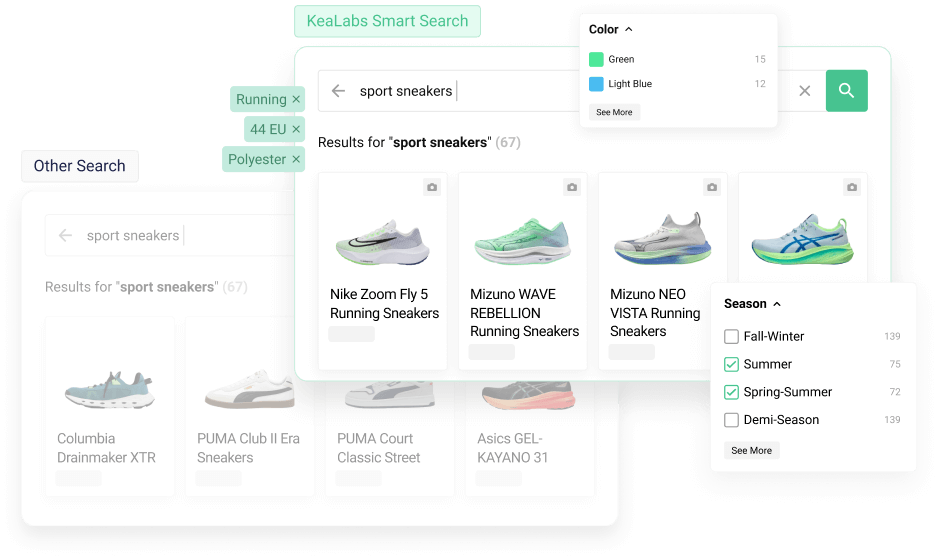
Kea Labs Smart Search
Best for: conversational product discovery, internal merchandising queries, store assistants.
- full‑text and semantic search
- facets / filters / ranges
- suggestions and query expansion
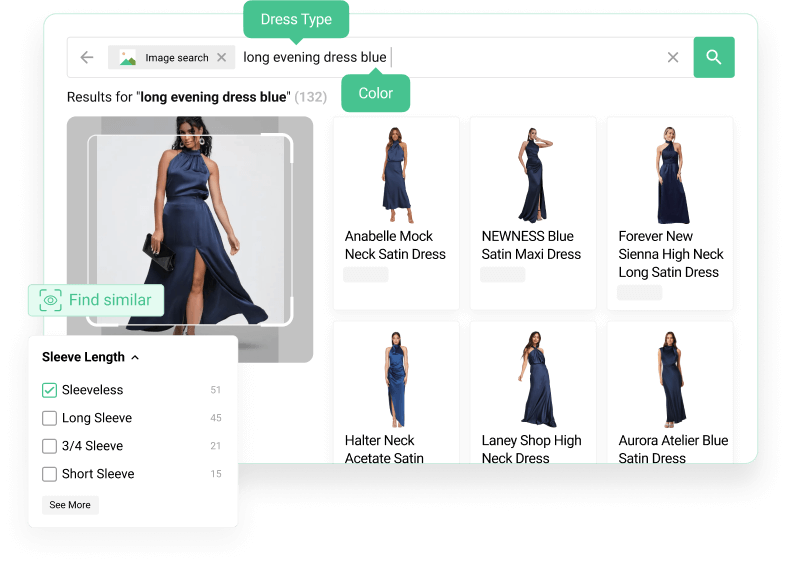
Image and Photo Search
Best for: fashion, home & decor, furniture, accessories, shoes - anything style‑driven.
- image → matching products
- supports hybrid image + text refinement
- image search with filtering
Advanced Recommendations
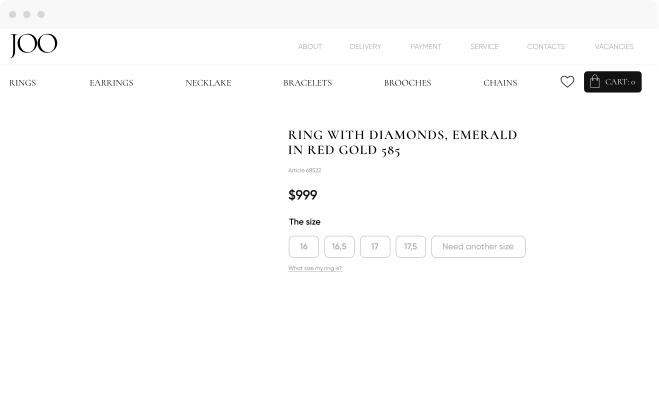
Best for: “show me alternatives”, “complete the look”, “bundle suggestions”.
- similar products
- alternatives
- accessories / complements
- visually similar items to a given product
- style‑consistent alternatives
Interest-based Recommendations
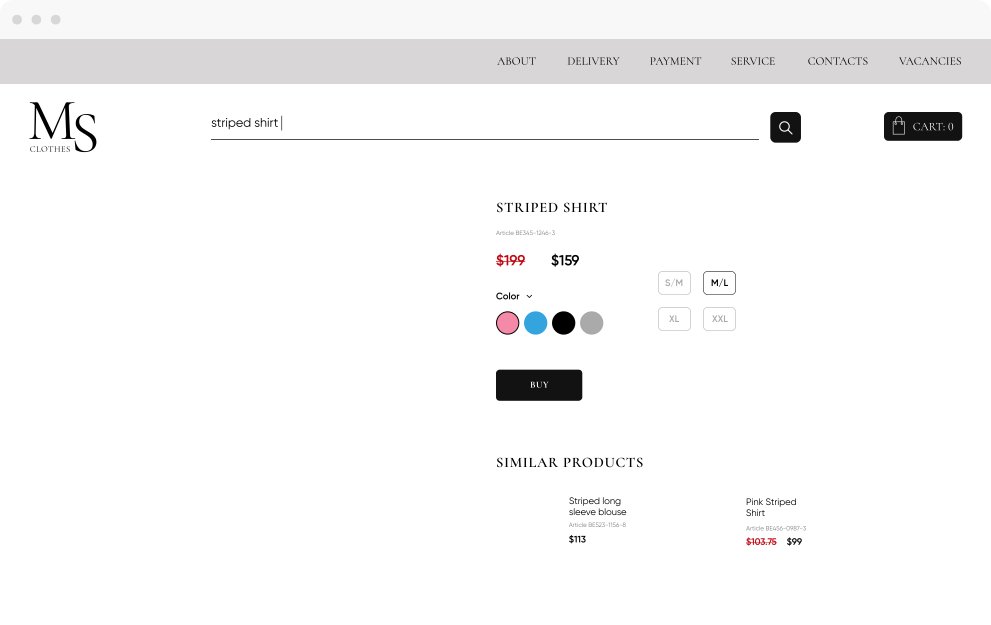
Intent and interest‑based recommendations:
semantic recommended items by interests, phrases or intent
great for gifting, shopping assistance, and curated picks
Supported MCP clients
Kea Labs MCP Server works with any MCP‑compatible AI host. If your AI app supports MCP Tools over Streamable HTTP or stdio, it can use Kea Labs MCP Server.
Popular clients include:






How to connect
Be connected to Kea Labs
Install any Kea Labs product
Get your Kea Labs MCP endpoint
Add the server to your AI client
Start querying your catalog by conversation
Ready to Transform Your E-commerce Experience?
Schedule a demo to see how Visual Discovery & Smart Search can elevate your online store