PrestaShop demo
Try the live PrestaShop demo
Live storefront
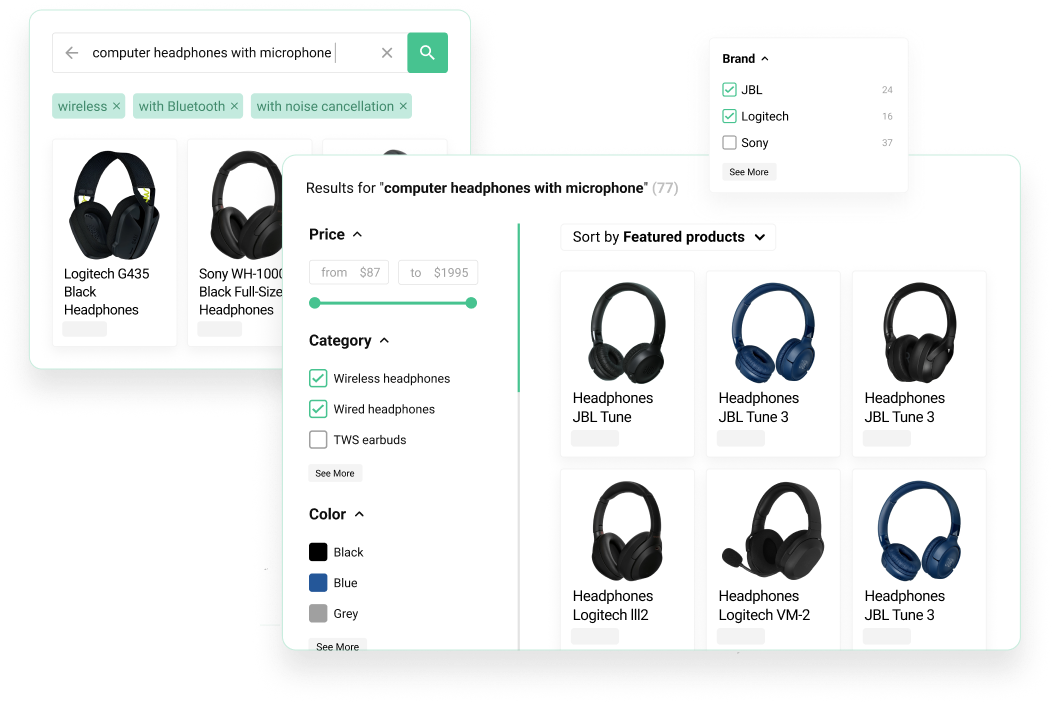
Storefront demo
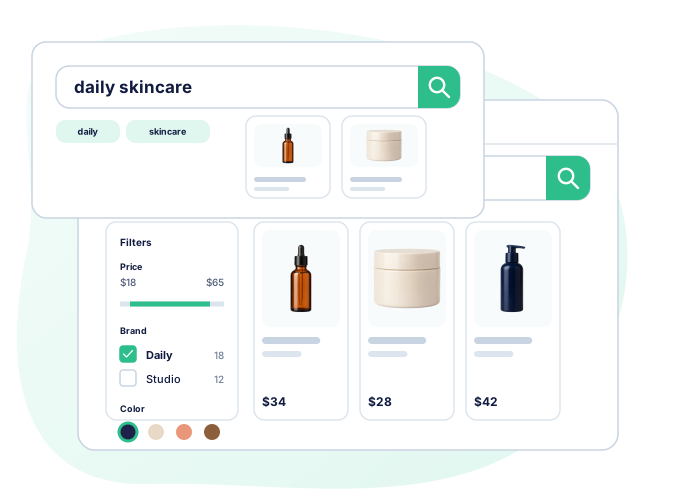
Open the storefront to try Kea Search Pro as a shopper: type queries, use autocomplete, open results, and narrow products with filters.
Merchant controls
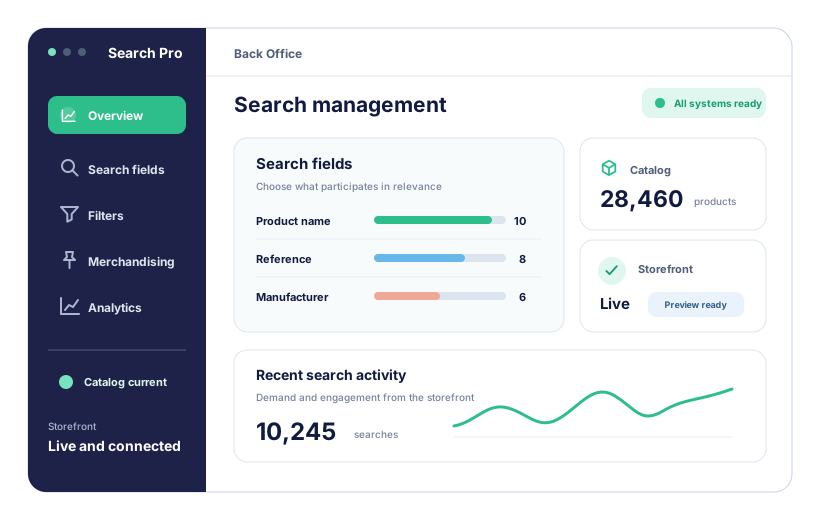
Back Office demo
Open the Back Office to see how Kea Search Pro is configured: search fields, filters, interface settings, indexing, analytics, and merchandising rules.
Product tour
Watch the product tour
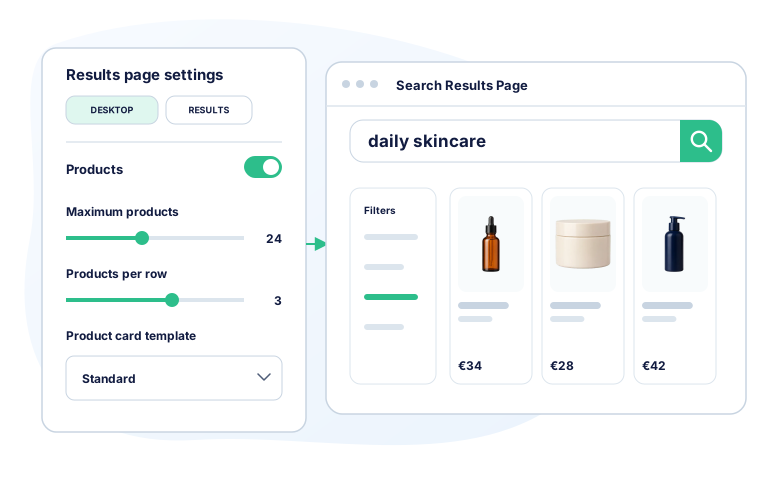
A short visual walkthrough of the storefront search experience and the Back Office areas that configure Kea Search Pro.
Live storefront
Search the store like a shopper
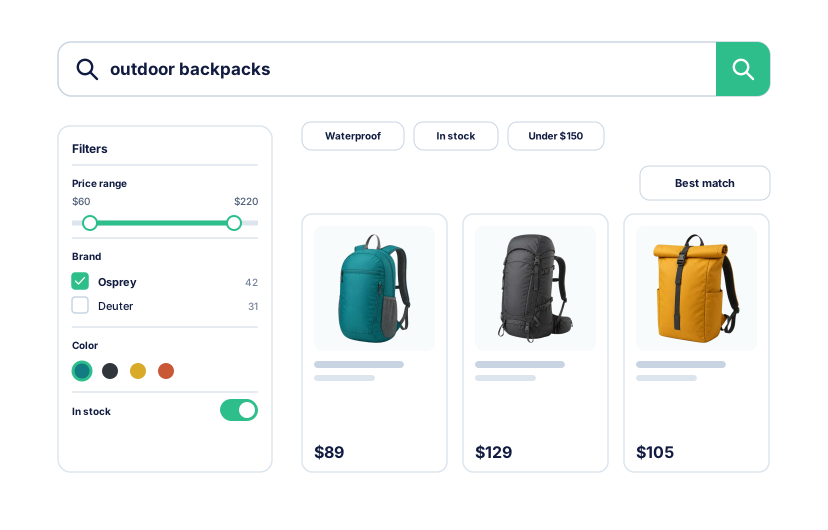
Start with a query, inspect autocomplete, then continue into a complete results page. The demo keeps search, filters, sorting, and product cards in one shopper flow.
- Type product, brand, SKU, and short intent queries.
- Open autocomplete suggestions and product previews.
- Move from suggestions to the search results page.
- Narrow results with filters and price ranges.
- Check how product cards look on desktop and mobile.
Back Office demo
Inspect the controls behind the storefront
Move through the same areas a merchant uses to configure search, keep catalog data current, review shopper activity, and prepare storefront changes.
- Check searchable fields and field priorities.
- See filter and facet management.
- Check indexing and store-data setup.
- Open the analytics dashboard.
- Inspect product visibility and merchandising controls.