Kea Search Pro features
Everything your store needs for better search
Feature overview
Explore Kea Search Pro features
Shopper experience and merchant tools work together in one module.
Shopper experience
Merchant tools
Search experience
Help shoppers find and narrow products in one flow
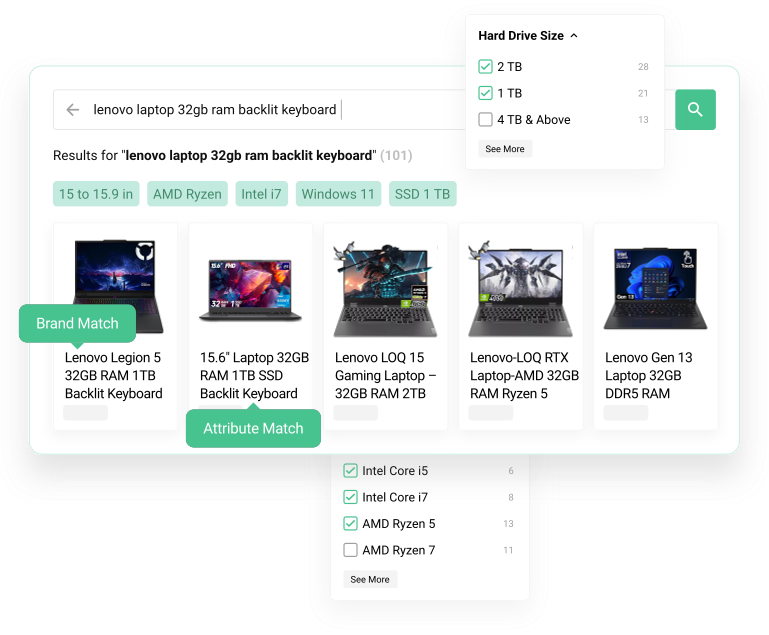
Kea Search Pro covers the visible search journey from the first keystroke to a useful product result. Search suggestions, result pages, and product cards work as one storefront experience.
- Search-as-you-type suggestions.
- Dedicated search result pages.
- Product result cards for desktop and mobile.
- Clear paths from a query to the right products.
Filters and navigation
Help shoppers narrow large catalogs without losing context
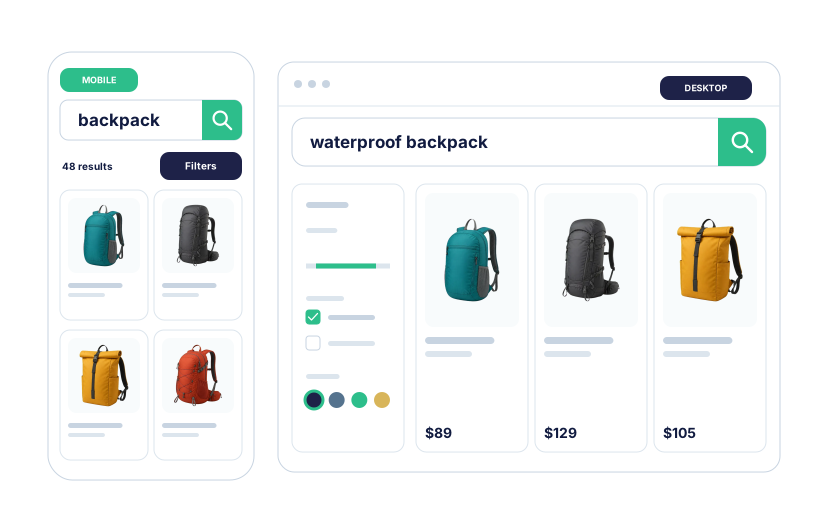
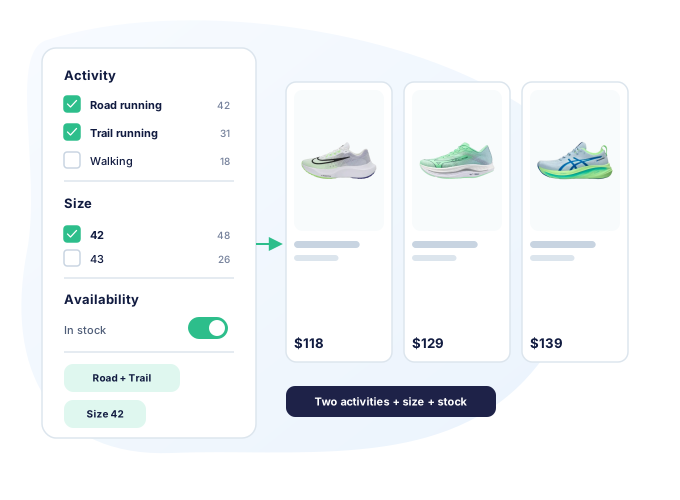
Faceted navigation turns product data into practical ways to refine search results and category pages.
- Filters for categories, brands, attributes, features, and price.
- Searchable values for long filter lists.
- Controls for visibility, order, and display type.
- Desktop and mobile storefront layouts.
Search relevance
Use relevance-based ranking, not just exact keyword matching
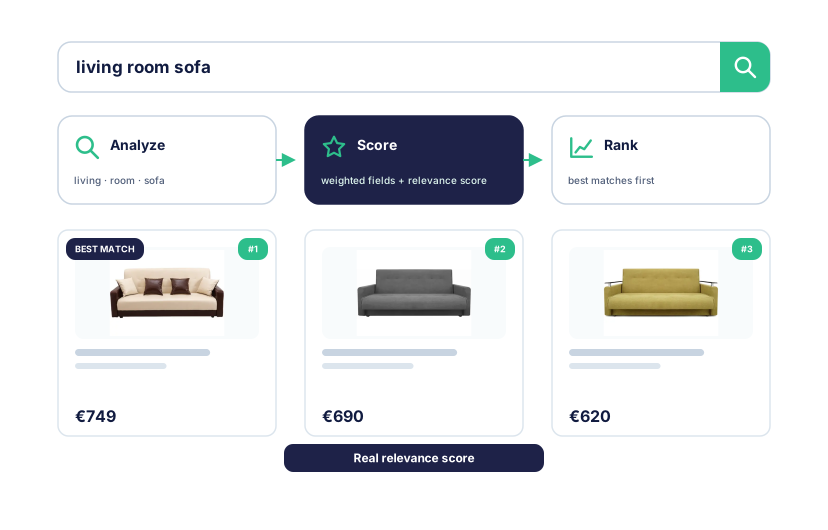
A custom SQL-backed search engine scores products against the query and lets the store control which product fields matter most.
- Weighted searchable fields.
- Synonyms for store vocabulary.
- Typo tolerance and fuzzy matching.
- Stop-word and partial-word handling.
- SKU and reference search where product data supports it.
Search merchandising
Use search to support campaigns and product priorities
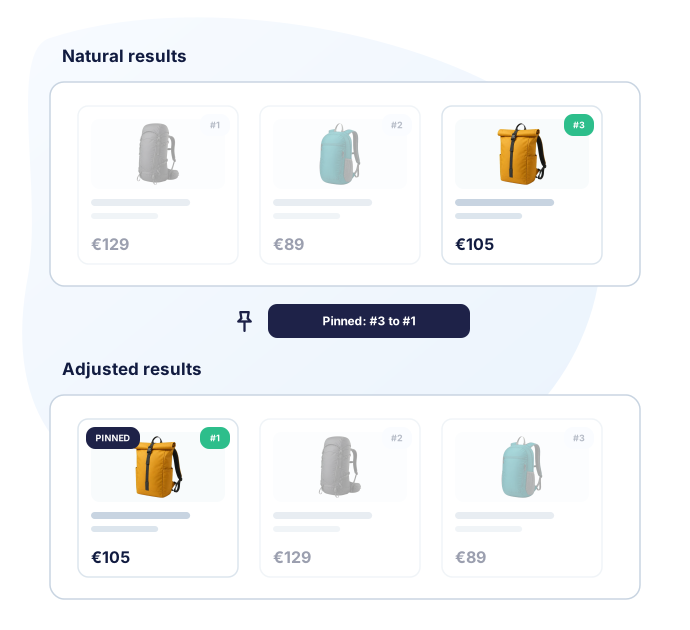
Relevance answers the shopper's query. Merchandising adds the store's priorities when a campaign, category, brand, stock position, or product strategy needs more control.
- Pin products for important queries.
- Boost or bury products by rule.
- Hide products from selected searches.
- Prioritize products and categories.
- Preview natural and adjusted results before enabling a rule.
Interface customization
Fit search to the storefront, not the other way around
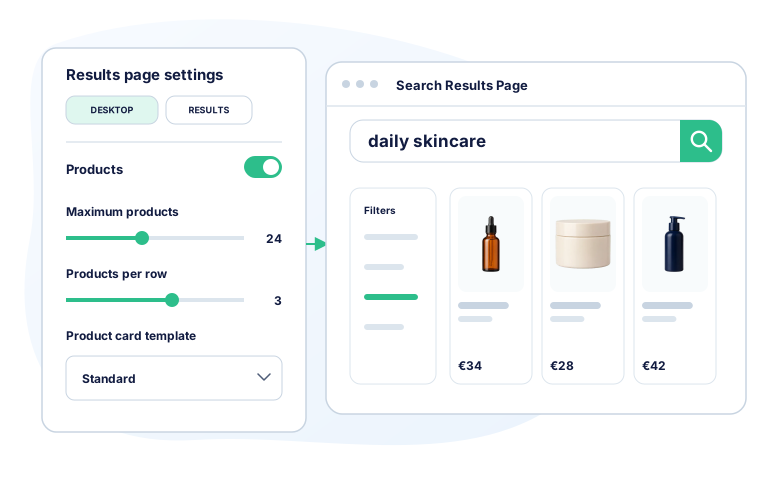
Kea Search Pro gives stores, developers, and agencies a controlled way to adapt search layouts, result cards, styling, and theme integration.
- Search interface layout options.
- Product-card and results layout adaptation.
- Styling and CSS customization.
- Theme integration for custom storefronts.
Search analytics
See demand, missed searches, and the products shoppers choose
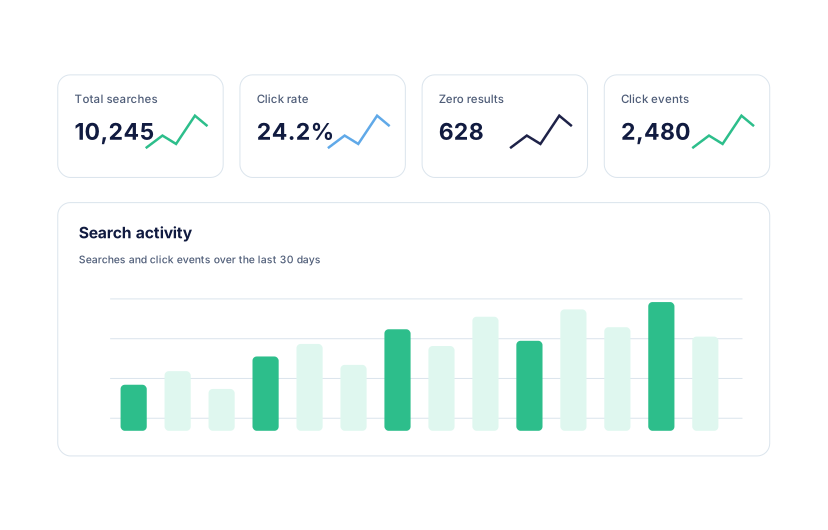
Search analytics show what shoppers ask for and where the store can improve product data, synonyms, filters, merchandising, or content.
- Popular queries.
- Zero-result queries and searches without clicks.
- Clicked products by query.
- Search activity and basic usage counters.
- Signals that lead to practical search improvements.
Setup and launch
Install, configure, preview, then go live
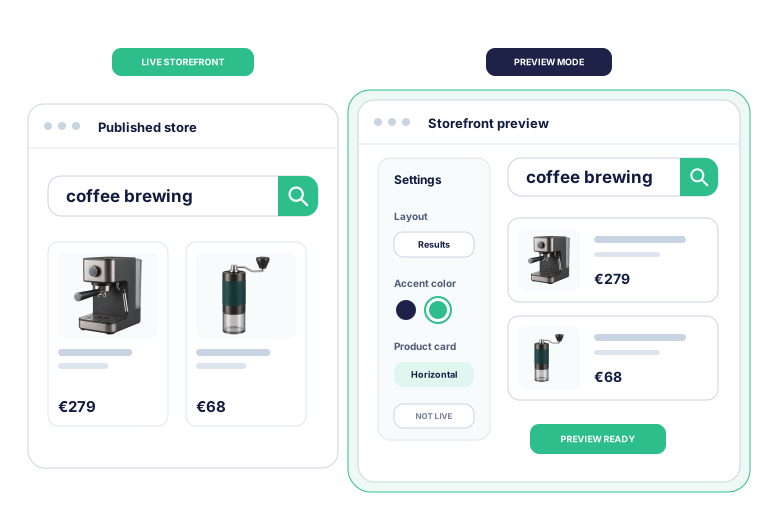
The guided setup keeps Kea Search Pro off the live storefront until the store is ready to enable it.
- 01 Install the module Add Kea Search Pro to the store and open it from the Back Office.
- 02 Follow guided setup Configure searchable fields, filters, and the storefront interface.
- 03 Build and preview Index the catalog and inspect search, filters, and merchandising before rollout.
- 04 Enable Kea Search Pro Switch the new search experience on when the storefront is ready.
Kea Labs Cloud
Move to Kea Labs Cloud when the store needs more
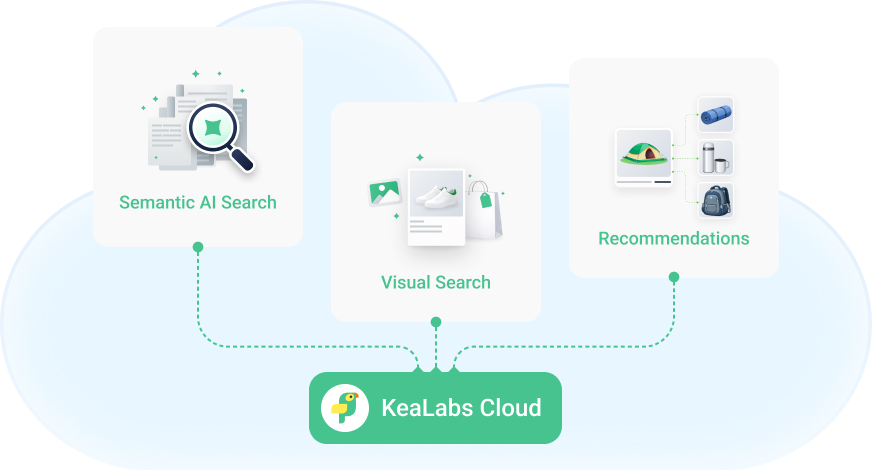
Kea Search Pro covers premium store search without a monthly search subscription. Kea Labs Cloud adds semantic search, image search, recommendations, visual discovery, hosted infrastructure, API-first integration, SLA options, and scale even for catalogs with millions of products.