
AI-assisted search operation
Maintain Kea Search Pro with MCP tools and AI skills
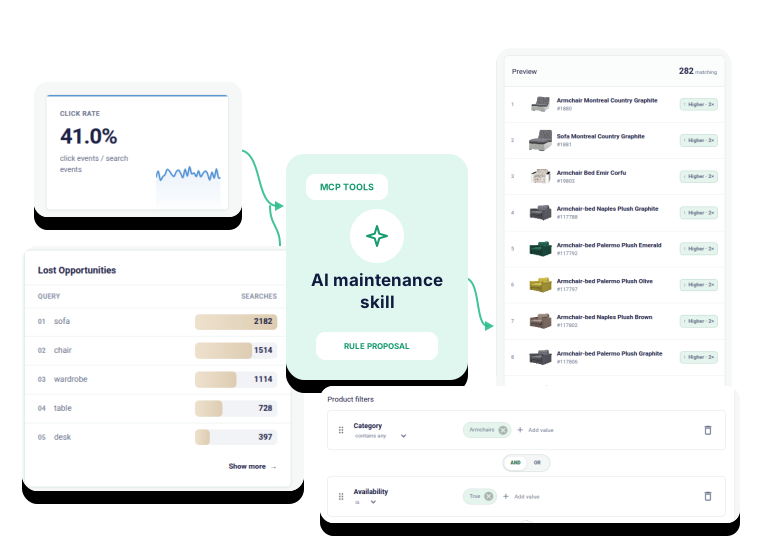
MCP tools and AI skills
Reduce search maintenance with MCP tools and AI skills
Kea Search Pro keeps reports and controls visible in Back Office. Its skills help an AI client interpret available search data, while controlled MCP tools prepare synonyms, merchandising rules, and storefront changes for Preview. Your agency reviews the result and decides what reaches production.
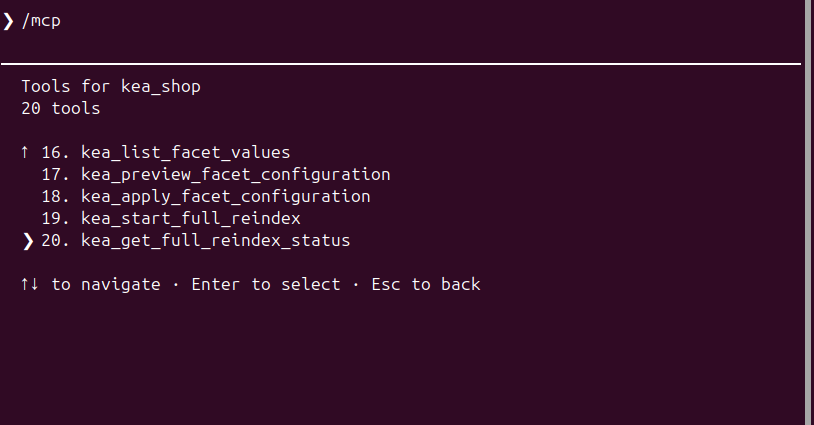
Search analytics with AI
Let AI inspect search reports and explain the next useful change
Use the same reports available to the agency and store team. Kea Search Pro skills give the agent a disciplined way to interpret demand, failed searches, weak engagement, and product interest instead of treating every number as a merchandising problem.
- Identify important queries, zero-result searches, and searches without clicks.
- Separate missing catalog data from relevance, rule, or interface problems.
- Keep the evidence and reason for each proposed change reviewable.
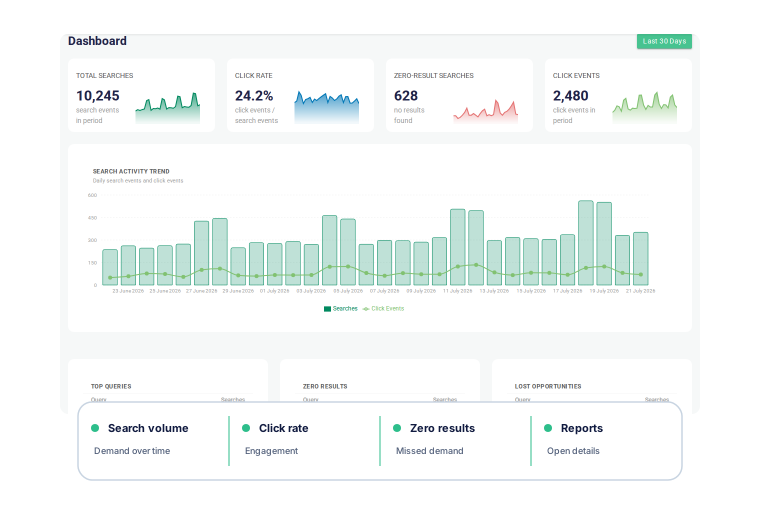
AI-assisted synonyms and merchandising
Use AI to prepare useful synonyms and merchandising rules
Kea Search Pro skills guide the AI to use shopper language, catalog terms, search reports, existing rules, and the store's commercial goals. Bounded tools apply the supported product structure and prepare an inactive change that the agency can inspect, adjust, preview, and activate when ready.
- Propose one-way synonym rules when shoppers and the catalog use different language.
- Prepare product, query, and category priorities for a defined commercial goal without replacing existing rules.
- Inspect the affected result, adjust the suggestion, and preview it before activation.
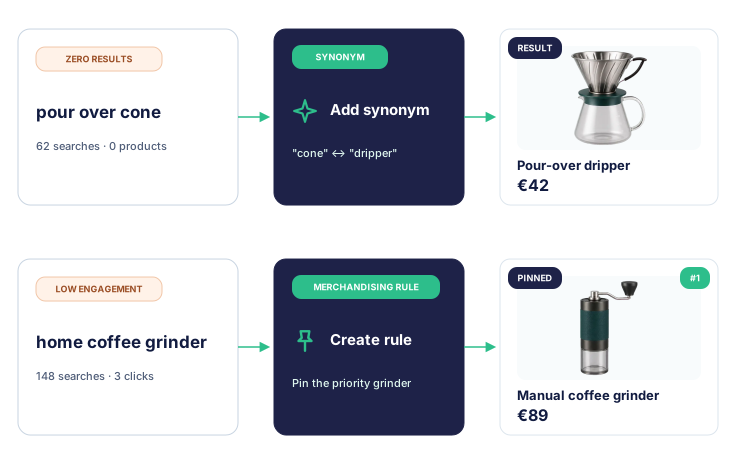
Storefront maintenance with AI
Safely update search layouts and product-card templates in Preview mode
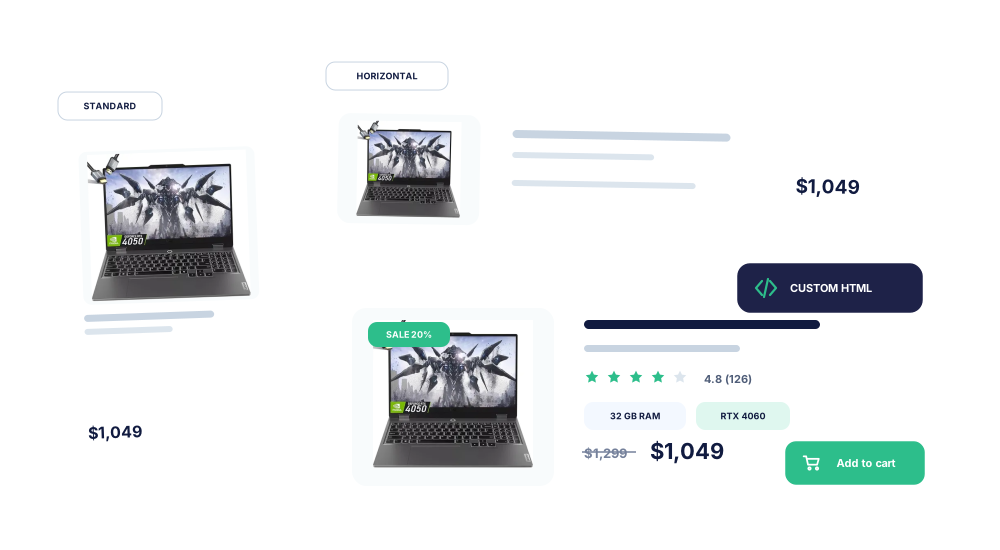
Use the same AI-assisted configuration workflow when the client theme, catalog data, or storefront requirements change. Prepare supported layouts, filters, product cards, and theme settings without first replacing the live search experience.
- Adapt product-card templates and documented storefront settings.
- Check desktop and mobile behavior against real client data.
- Use Preview, self-diagnostics, and an explicit review before publication.
- Record the approved interface configuration and recovery path before publication.
Planned feature
Planned CSV and JSON import and export
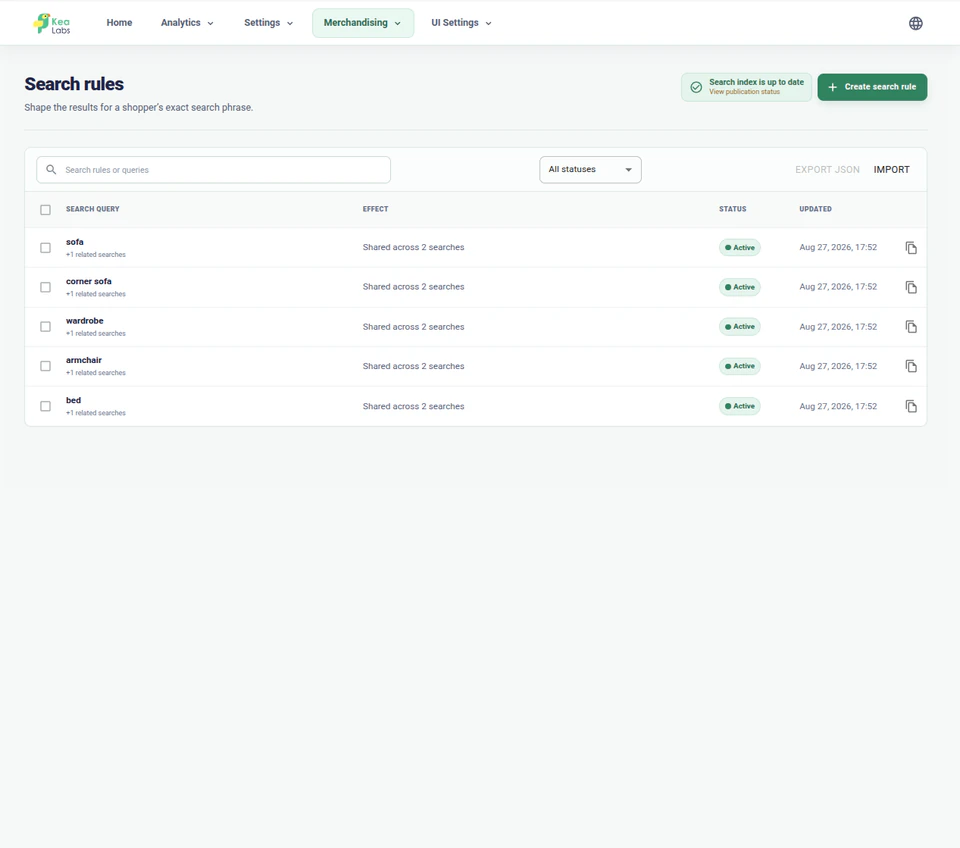
A future update is planned to add CSV for straightforward bulk rule work and JSON when the complete rule structure must be preserved. Imported changes will remain inside the normal review process instead of updating production automatically.
- Export straightforward merchandising data for review or bulk editing in CSV.
- Preserve more complete rule structures when moving work through JSON.
- Validate imported drafts before activation in a client store.
AI-assisted search maintenance
Make ongoing search maintenance easier to run and safer to publish
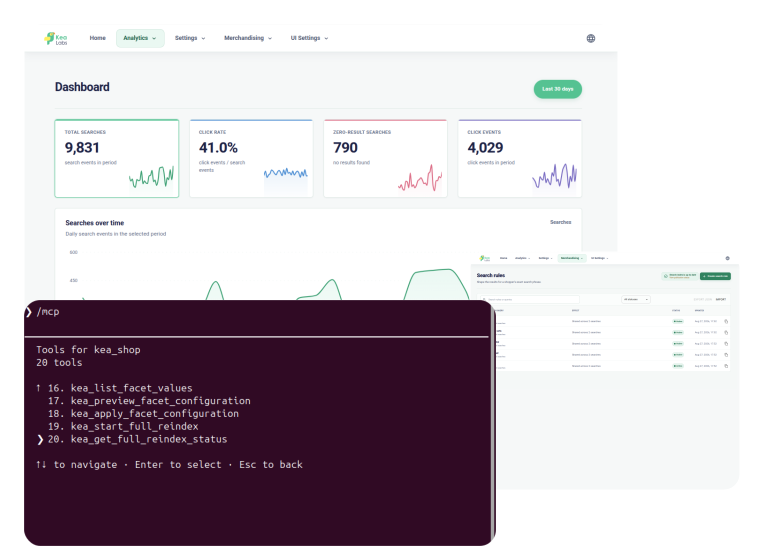
AI reduces repetitive inspection and preparation. Your agency can review, adjust, preview, and publish supported changes through one controlled workflow.
- 01 Inspect Read the relevant report, store context, current configuration, and storefront state.
- 02 Explain Use Kea Search Pro skills to identify the likely cause and choose a catalog, relevance, merchandising, or interface response.
- 03 Prepare and preview Prepare a proposed configuration through controlled MCP tools and validate the affected queries and storefront behavior.
- 04 Approve, publish, and keep a rollback plan Let an authorized person publish through the normal workflow, record the approved baseline, and keep a documented recovery path if the release must be reversed.
Discuss AI-assisted search maintenance
Tell us about the reports, merchandising work, storefront changes, and release process your agency needs to support.
AI-assisted Kea Search Pro maintenance FAQ
Reports, MCP tools, Kea Search Pro skills, merchandising, storefront updates, and production control.
Can an agency operate Kea Search Pro without AI?
Yes. Analytics, search configuration, merchandising, storefront settings, Preview mode, status, and diagnostics remain visible in the PrestaShop Back Office. AI assistance is an additional way to inspect supported context and prepare reviewable work.
What do MCP tools and Kea Search Pro skills do after launch?
Kea Search Pro skills explain which reports and product controls matter for a search problem. Controlled MCP tools provide authorized access to available store context and defined actions. Together they can help prepare a synonym, merchandising, category-priority, or storefront change for review.
Can the AI agent publish changes to production?
No. The controlled MCP interface has no production publish action. Suggestions and Preview configuration remain non-live until an authorized person reviews and publishes them through the normal Search Pro process.
Can an agency import or export merchandising rules?
CSV and JSON import and export are planned. The planned tools will support straightforward bulk merchandising work in CSV and more complete rule structures in JSON, with validation and review before activation.
How are storefront updates checked before publication?
Prepare the supported layout, product-card, filter, or theme change in Preview mode, test the affected queries and desktop and mobile behavior, review diagnostics, and publish only after an authorized person accepts the result.