PrestaShop integration
Connect Search Pro to the storefront
Guided manual installation
From installation to Preview mode
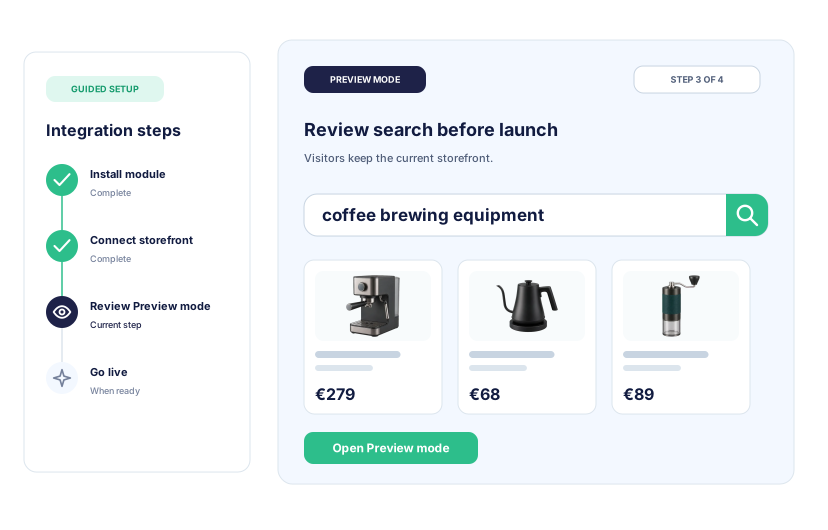
Follow the Back Office wizard and documented integration steps to connect Search Pro without changing what visitors see before launch.
- 01 Install the module Open Search Pro from the PrestaShop Back Office. No external search server or separate cloud account is required.
- 02 Choose and connect Select the widget, classic results page, or combined layout, then connect the theme targets and brand settings.
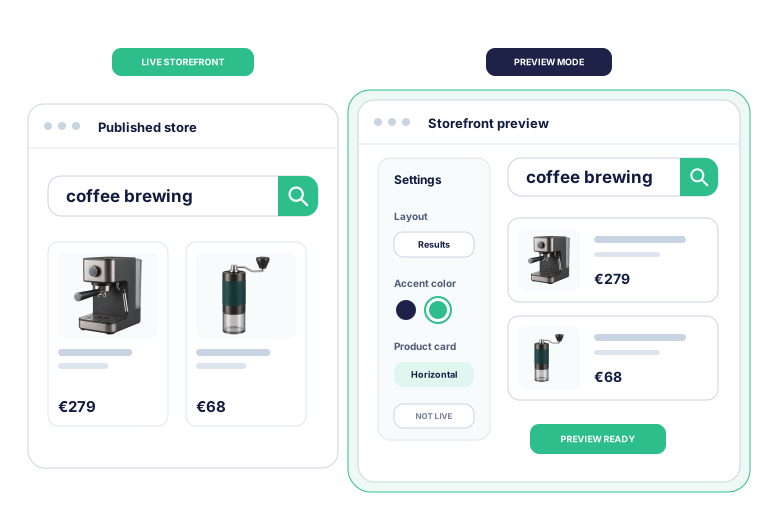
- 03 Review Preview mode Build the catalog index and test search, filters, and product cards while visitors keep the current storefront.
- 04 Go live when ready Enable Search Pro after the storefront check. Disable it whenever the store needs to return to its normal search.
AI-assisted installation
Let your own AI install and set up Kea Search Pro
Prefer not to work through every setup screen yourself? Use ChatGPT, Claude Code, Codex, or another supported AI client with Kea Search Pro skills and MCP tools. It can install the module, inspect the store, configure search and merchandising, and adapt the storefront while you review the result in Preview.
- Start from a fresh PrestaShop store and keep your own AI account.
- Configure search fields, categories, facets, synonyms, and merchandising.
- Adapt supported layouts and product-card templates to the storefront.
- Approve publication only after reviewing the complete result.
Live store data
Live price and stock in search results
Search Pro builds its index from PrestaShop product data. Product updates keep price, stock, availability, and variants current instead of waiting for a scheduled external feed.
- Build the first index from products already in the PrestaShop catalog.
- Apply product, price, stock, and availability changes through store updates.
- Group size and color variants into one result or display them separately.
- Keep storefront results synchronized without exporting a cloud catalog feed.

After launch
What happens after you go live
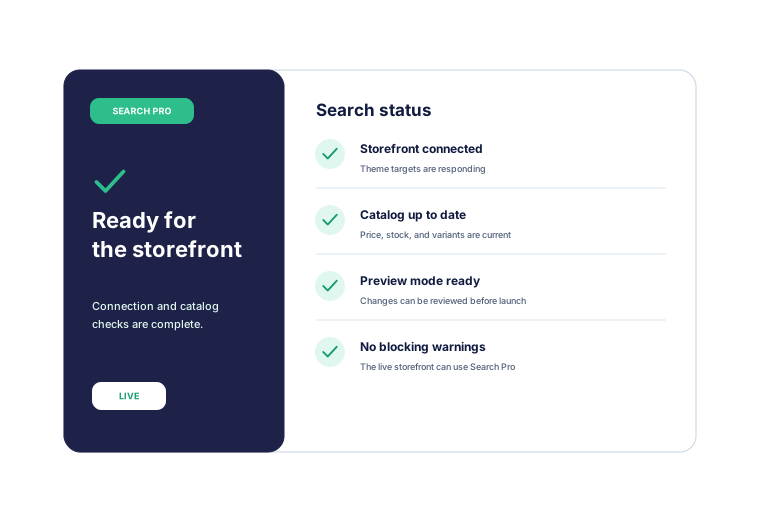
After launch, the Back Office shows whether search is live, the catalog is current, and the storefront connection is healthy, all in one place.
- See whether search is live, in Preview mode, or turned off.
- Check that the catalog index is current and complete.
- Review storefront connection warnings before they affect visitors.
- Open diagnostics and recovery actions without leaving the Back Office.