
Kea Search Pro MCP server and skills
Configure Kea Search Pro with your own AI
Bring your own AI
Use the AI client and model your agency already works with
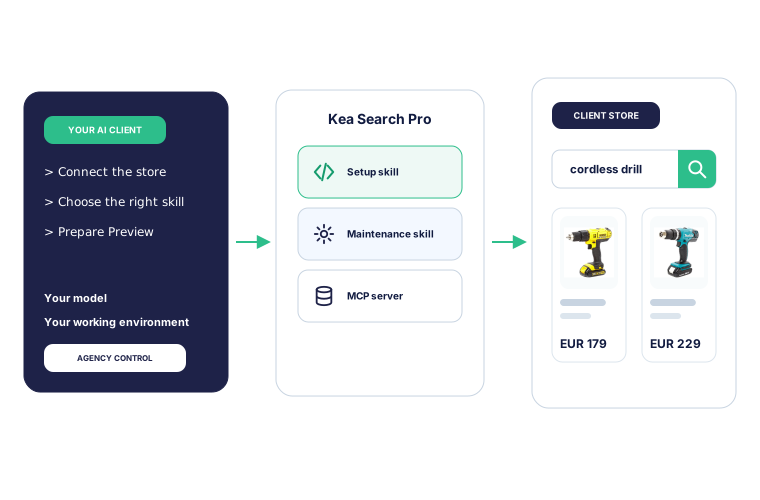
Keep the model and working environment your agency already uses. Kea Search Pro adds setup and maintenance skills plus a dedicated MCP connection for each client store.
Kea Search Pro AI skills
Give your AI the Search Pro context it needs
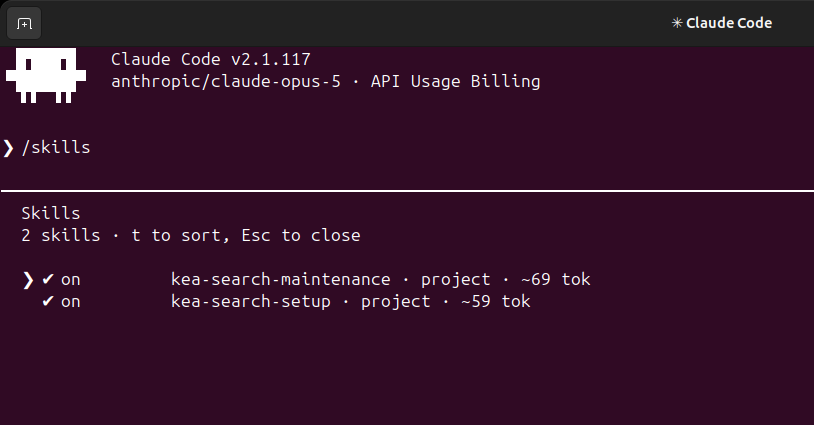
Two project-specific instruction packages, called skills, cover initial setup and ongoing maintenance. They explain what to inspect, how configuration affects shoppers, and where agency judgment is required. Dedicated Kea Search Pro tools keep that work inside documented Search Pro processes.
Context before changes
Inspect the module, catalog, language, search state, and existing configuration before proposing work.
Search-domain guidance
Follow supported workflows for relevance, merchandising, storefront configuration, and review.
Preserve existing settings
Keep manual rules intact and surface ambiguity when the agent needs an agency decision.
Clear agency handover
Keep assumptions, Preview checks, and verification results together for review and later maintenance.
Versioned with Kea Search Pro
The instructions and compatibility matrix can evolve with Search Pro without changing the agency's global AI setup.
Inside Claude Code
Kea Search Pro tools in your AI client
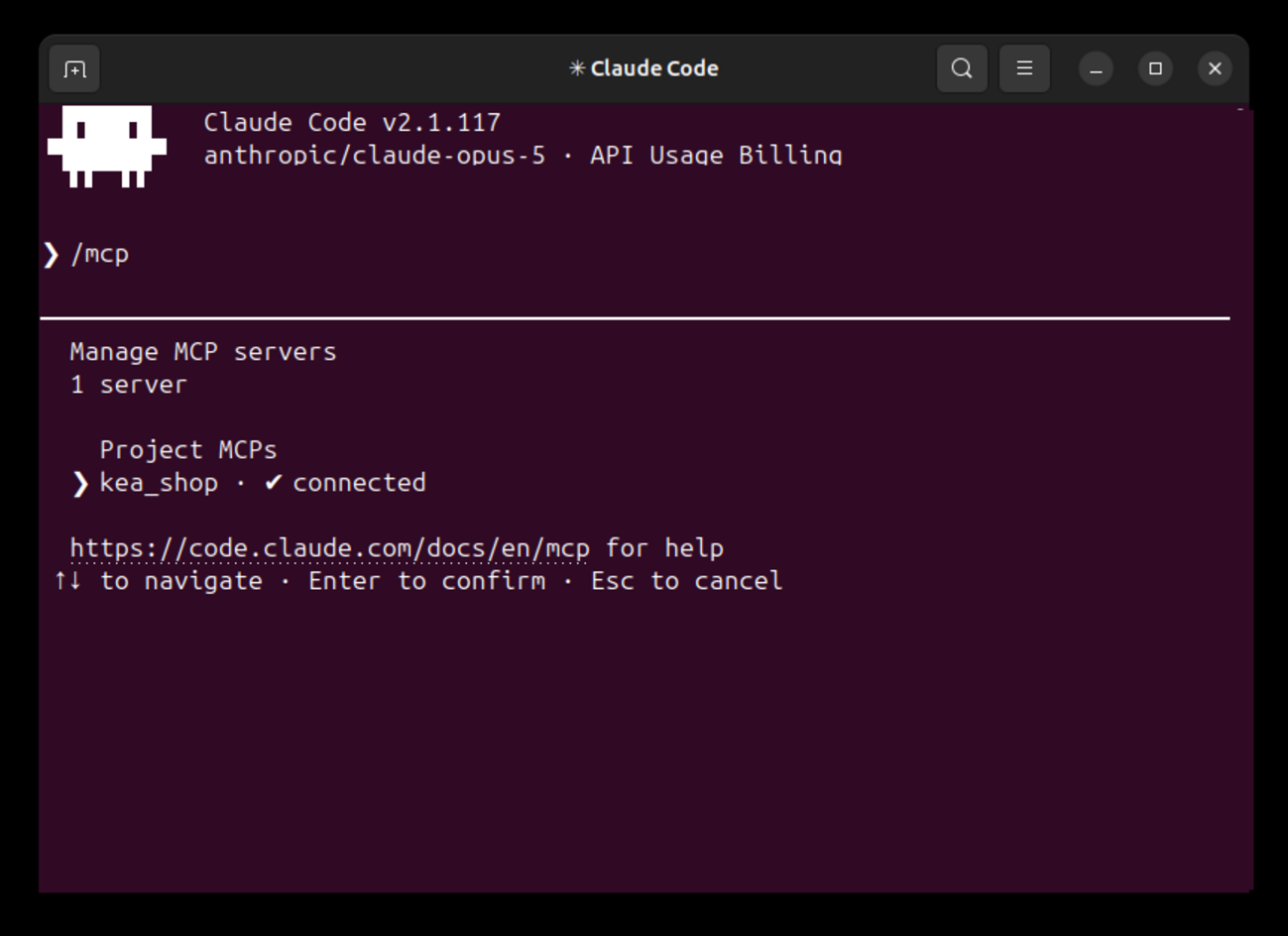
Once connected, Claude Code can inspect the store's current Search Pro configuration and use named MCP tools for setup and maintenance.
Connect Claude Code to the store
The project connection confirms that the Kea Search Pro MCP server is available before configuration begins.
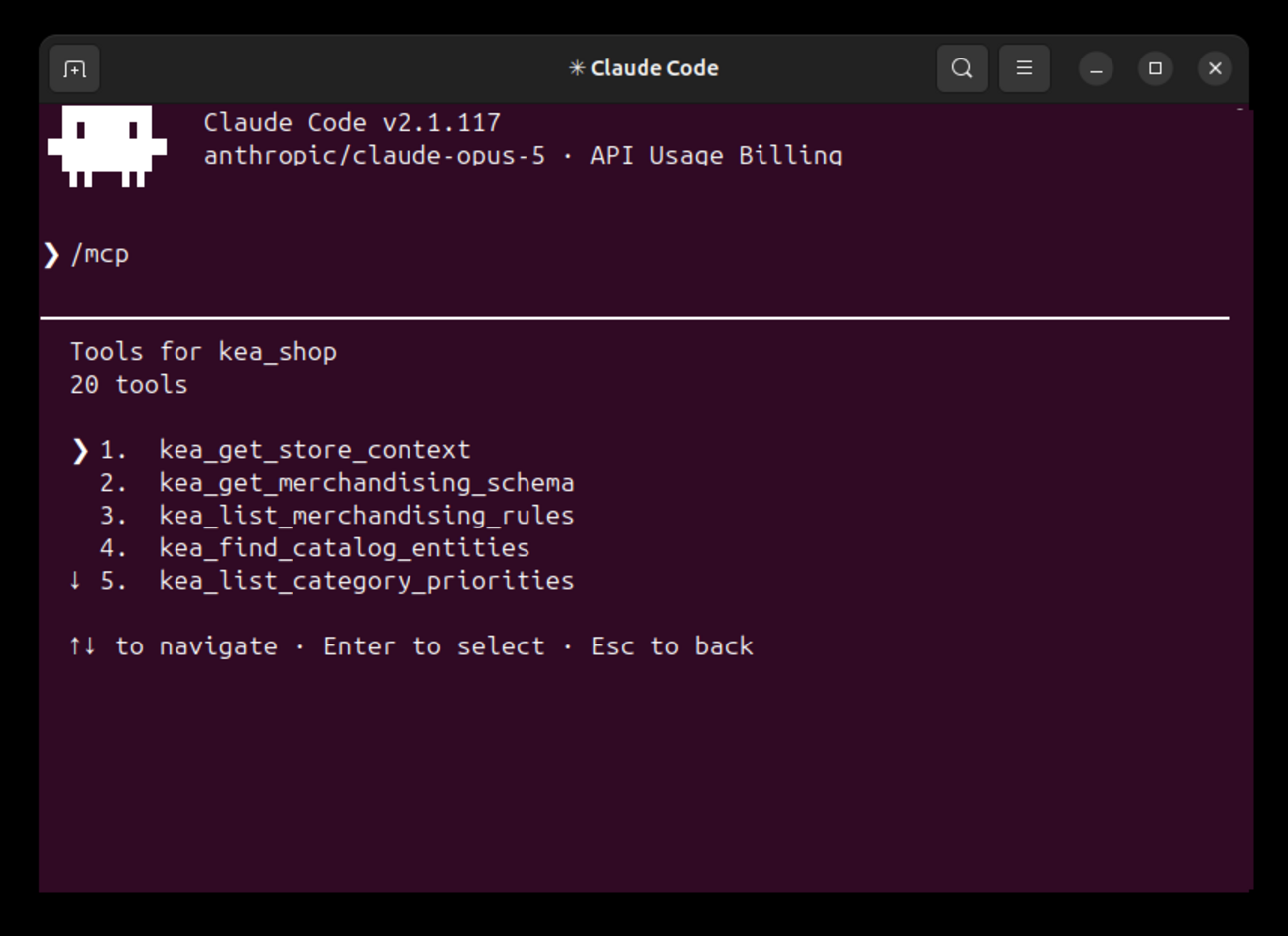
Inspect the store and merchandising configuration
Read store context, merchandising schemas and rules, catalog entities, and category priorities before preparing a change.
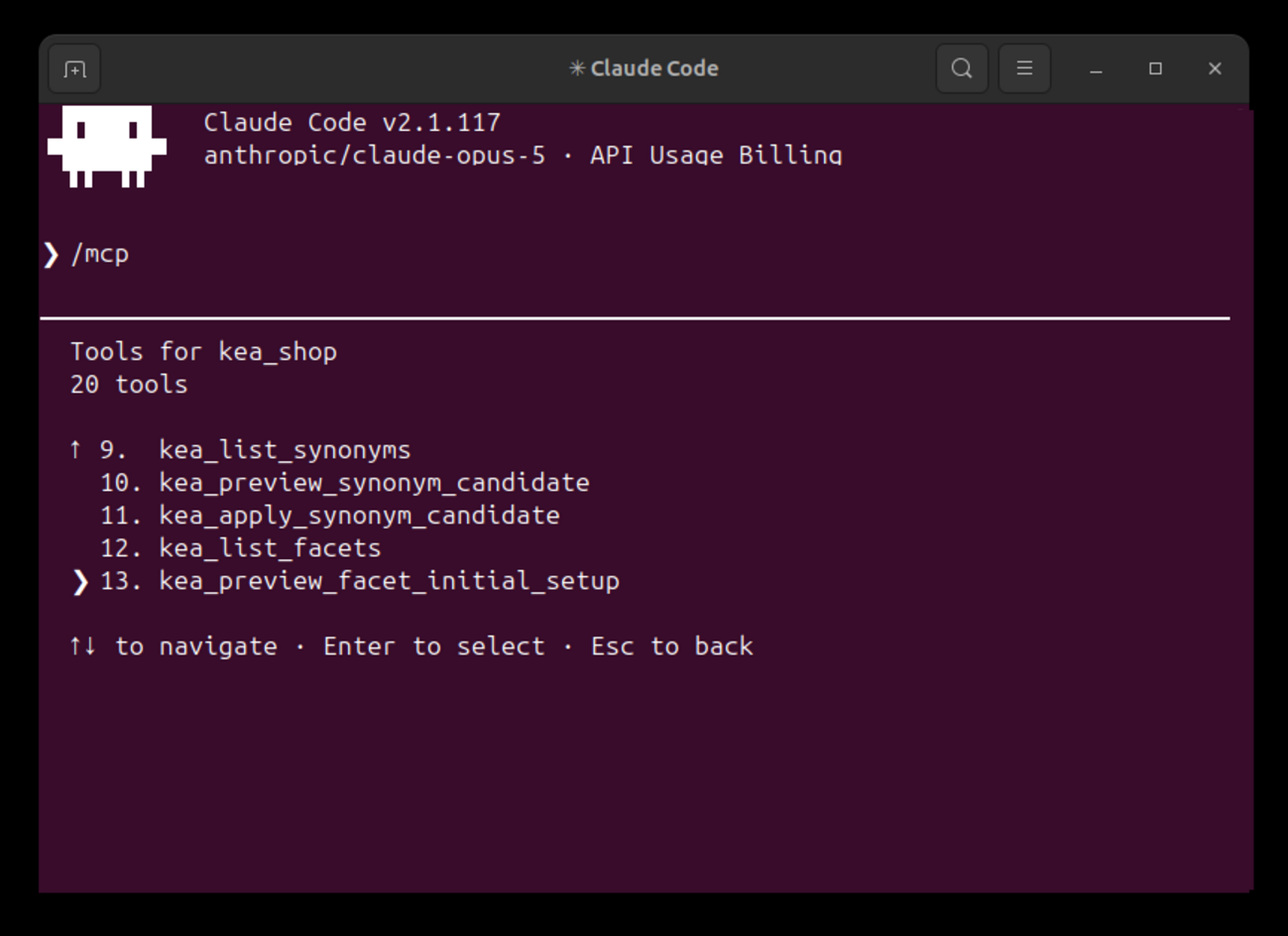
Configure synonyms and catalog filters
List current synonyms and filters, preview proposed changes, and apply reviewed configuration through named Search Pro tools.
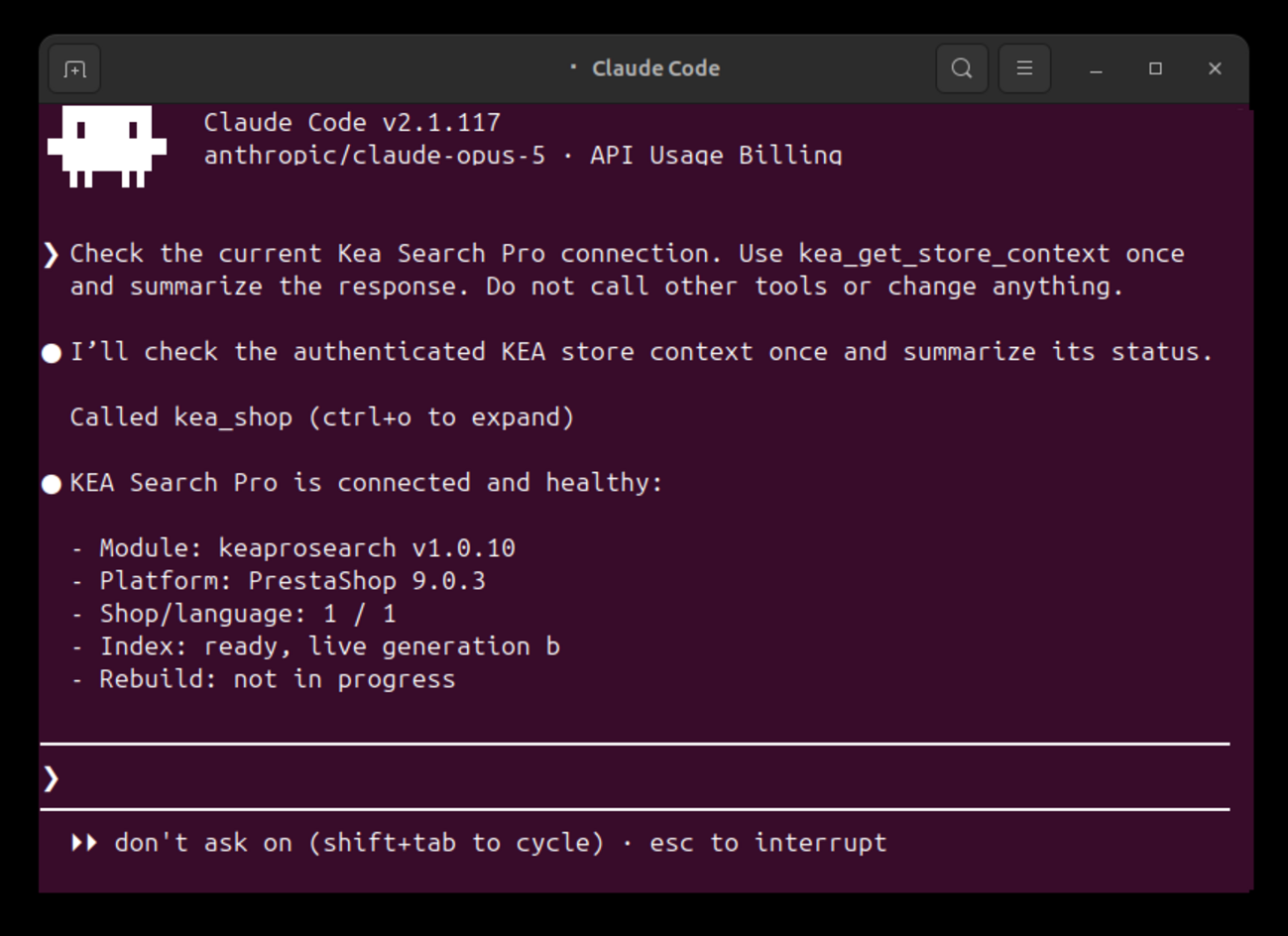
Read the current store state before changing anything
Confirm the module version, PrestaShop version, language, search index readiness, and available merchandising capabilities.
Controlled workflow
Inspect, propose, preview, then decide
AI assists with configuration while the agency remains responsible for the client result.
- 01 Connect with dedicated access Add the store endpoint to the supported AI client and keep its credentials outside the project repository.
- 02 Describe the required outcome Provide the store context, shopper problem, commercial priorities, theme expectations, and limits of the assignment.
- 03 Prepare a reviewable configuration Let the AI inspect current state and prepare Search Pro settings in Preview with its assumptions visible.
- 04 Verify and approve Review search and storefront behavior on desktop and mobile, then publish through the normal Search Pro workflow when approved.
Configuration and maintenance
Use the same AI connection from setup to ongoing improvement
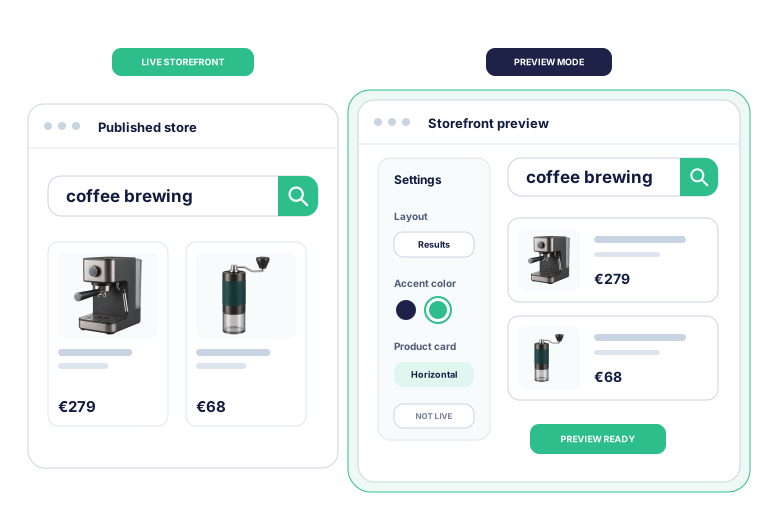
The AI can inspect the current store, prepare configuration in Preview, and return later when search data or storefront requirements change.
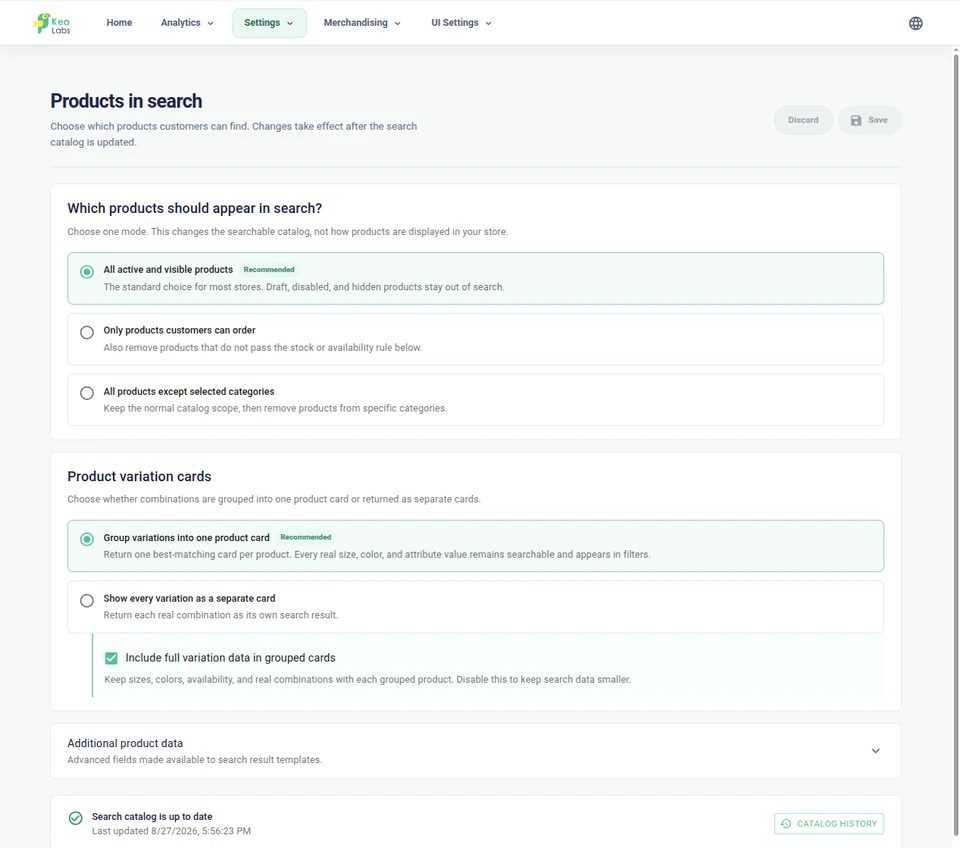
- Read the authorized store and catalog context.
- Preserve existing search and merchandising settings.
- Ask for an agency decision when the goal is ambiguous.
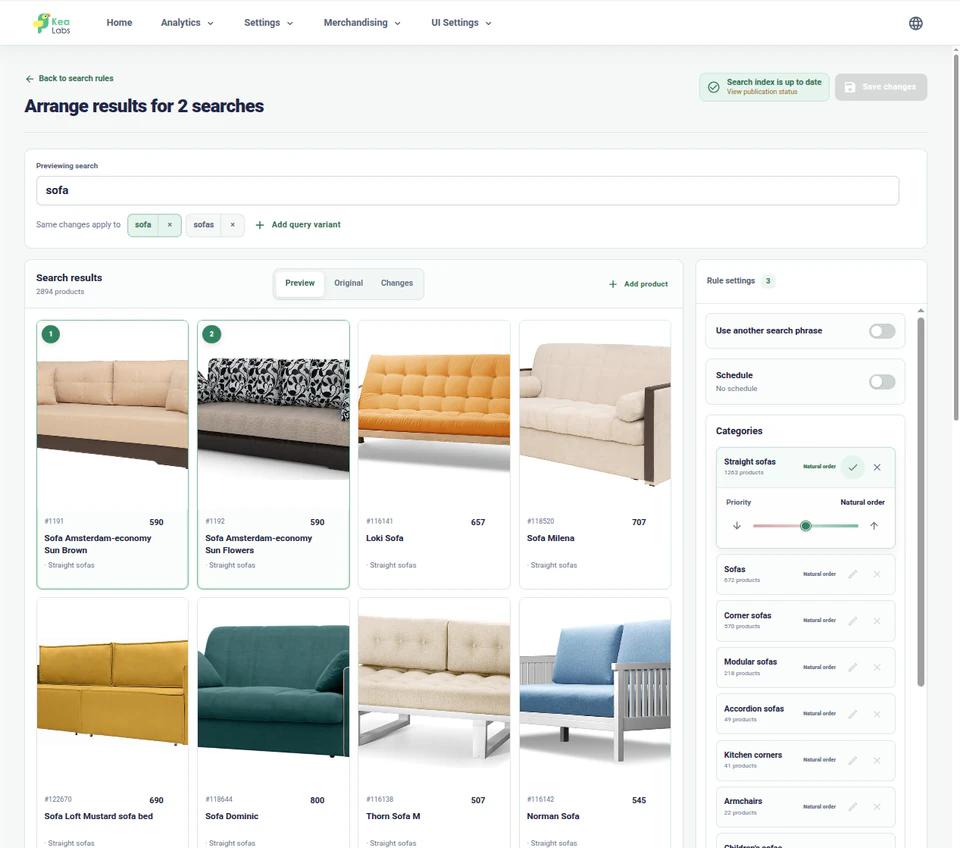
- Resolve the correct catalog entities before preparing a rule.
- Review changes against the current result.
- Check the storefront on desktop and mobile.
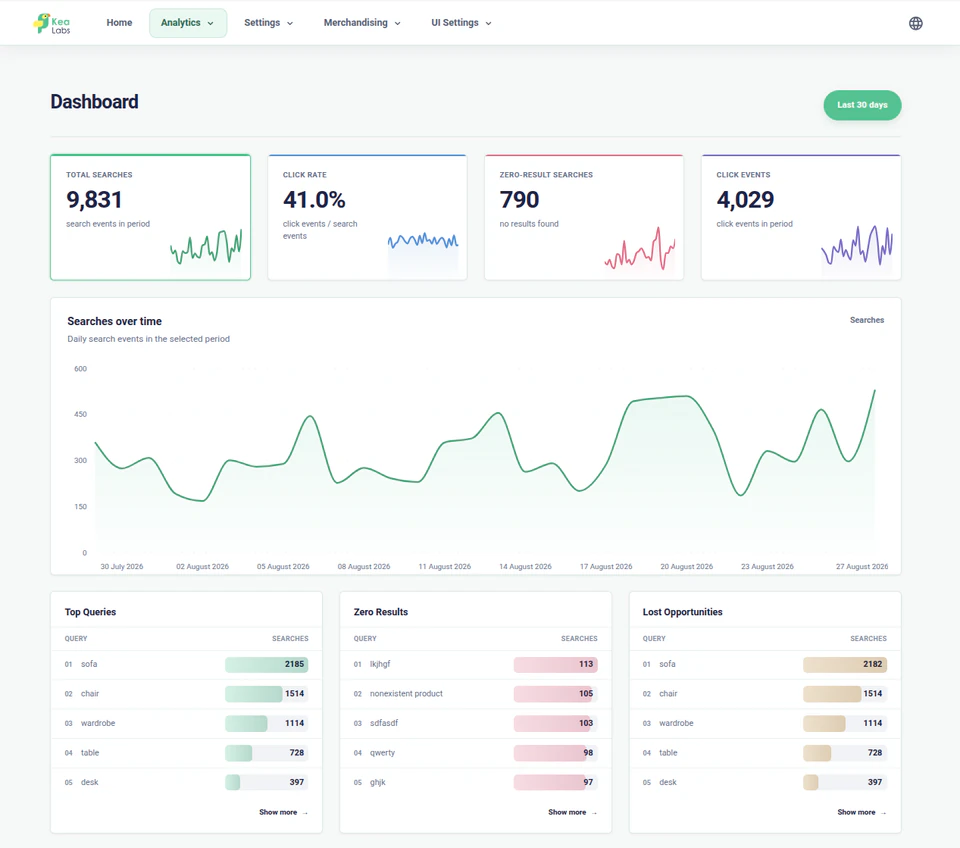
- Investigate important queries and search issues.
- Prepare supported synonyms, filters, rules, or interface changes.
- Keep publication as a human decision.
Understand
Inspect the store before proposing changes
Start with the catalog, language, search index, and existing configuration instead of a generic prompt.
- Read the authorized store and catalog context.
- Preserve existing search and merchandising settings.
- Ask for an agency decision when the goal is ambiguous.
Configure
Prepare search and storefront changes in Preview
Use named tools to prepare merchandising and storefront configuration without changing the live search experience.
- Resolve the correct catalog entities before preparing a rule.
- Review changes against the current result.
- Check the storefront on desktop and mobile.
Maintain
Return to analytics and search health after launch
Use search reports and current store state to prepare another focused, reviewable improvement.
- Investigate important queries and search issues.
- Prepare supported synonyms, filters, rules, or interface changes.
- Keep publication as a human decision.
Review before publication
Review AI-assisted configuration in Kea Search Pro
AI assistance prepares supported settings inside the normal Kea Search Pro workflow, not in a parallel hidden system. Suggestions and Preview configuration remain non-live until an authorized person publishes them.
- Inspect the proposed search and storefront behavior in the normal interface.
- Check desktop and mobile results before shoppers see the change.
- Keep production publication as an explicit human decision.
Agency control
Connect AI without handing over production
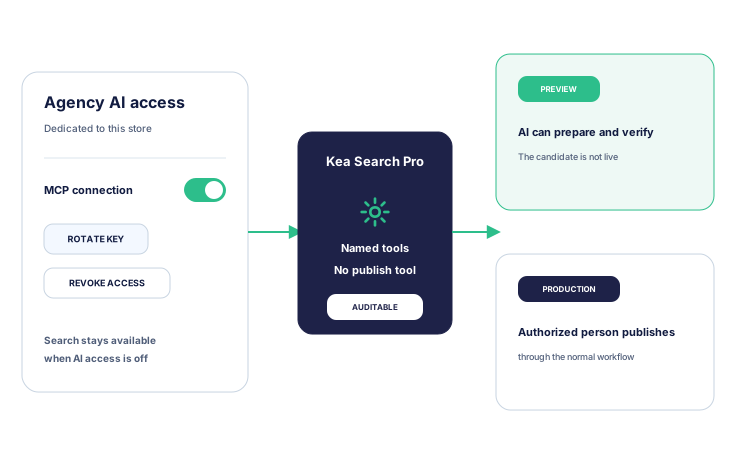
Dedicated credentials keep AI access separate from normal Back Office access. The connection reaches named Kea Search Pro operations and Preview, while production publication stays in the normal human-controlled workflow.
- Keep each store connection separate from the agency project and other client stores.
- Keep search available to shoppers and Back Office users when agent access is disabled.
- Publish approved work through the normal Search Pro workflow.
Discuss AI-assisted configuration for a client store
Tell us about the store, theme, search problem, and AI client your agency uses. We will help you assess the supported workflow.
AI configuration questions
What the agency supplies, what Kea Labs supplies, and where the safety boundary sits.
Does Kea Labs provide the AI model?
No. This is a bring-your-own-AI workflow. The agency chooses and pays for its AI client or model account. Kea Labs provides the Kea Search Pro MCP tools, skills, tool contracts, and documentation.
Which AI clients can connect?
The Agent Pack targets MCP-compatible coding clients and publishes a versioned compatibility matrix for the required transport and authentication. Claude Code is the currently verified agency workflow. Another MCP host is supported only after it meets the same connection requirements and appears in that matrix.
Can the agent work with a private or local store?
Only when the machine running the AI client can reach the store directly through localhost, a private network, VPN, or forwarding controlled by the agency or store team. Kea Labs does not provide a public tunnel for an otherwise unreachable store.
Can the agent change production without review?
No. The controlled MCP interface has no production publish action. Suggestions and Preview configuration remain non-live; an authorized person publishes through the normal Search Pro process.
Does using an AI agent turn Kea Search Pro into semantic AI search?
No. The agent helps operate supported configuration. Kea Search Pro remains a store-native professional keyword search module. Semantic search, image search, recommendations, and visual discovery are provided by the separate Kea Labs Cloud service.