Search relevance
A real search engine, not just keyword matching
Ranking model
How the ranking engine works
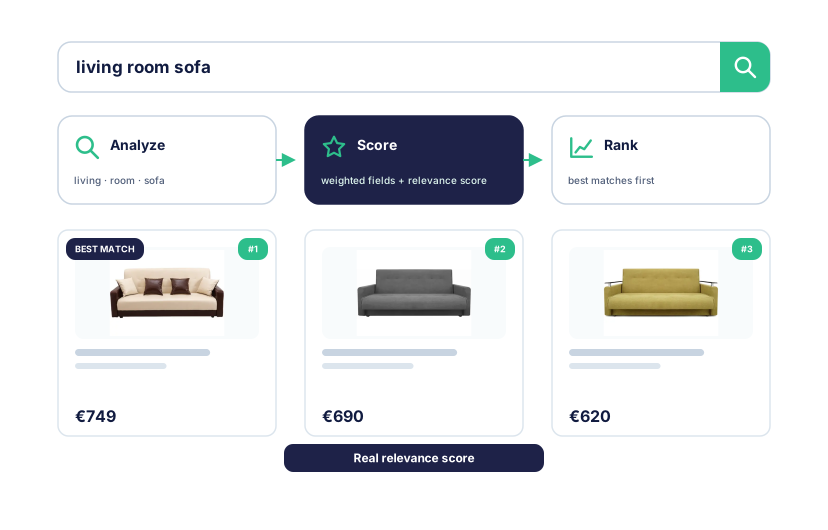
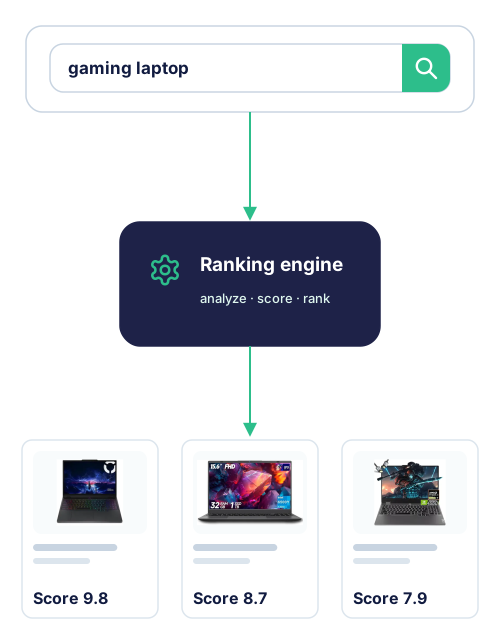
Search Pro analyzes product data, tokenizes text, scores matches, and ranks results - the same core approach used by dedicated search servers, inside your PrestaShop store.
Text processing
Text analysis and tokenization
Language-aware processors normalize product text and turn it into searchable terms.
Catalog signals
Weighted product fields
Give product name, brand, category, reference, attributes, and features different influence.
Relevance score
BM25 relevance scoring
Stronger matches receive higher scores and rise above incidental mentions.
Fresh store data
Always current price and stock
Store updates keep price and availability in sync instead of leaving them frozen at the last scheduled rebuild.
Ranking stack
Ranking first. Business controls on top.
Every query passes through distinct layers, so commercial priorities can shape good results without replacing the search engine underneath.
Foundation
Relevance ranking
BM25 relevance scoring, weighted fields, analyzers, synonyms, and typo tolerance find and order relevant products.
Product context
Product rules
Availability, category context, and other product conditions adjust the ranked result set.
Business control
Search merchandising
Pin, boost, bury, or hide products for important queries while the relevance engine continues to find the right products.
Merchandising changes business priority. It does not replace the engine that finds relevant products.
Query handling
Useful results from imperfect queries
Shoppers do not need to type the exact words stored in the catalog.
Typos and fuzzy matches
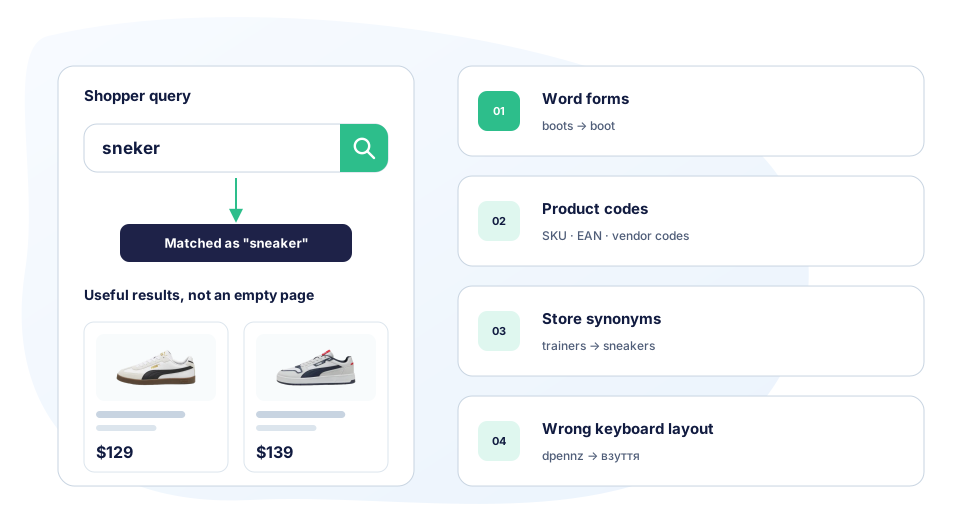
A misspelling such as “sneker” can still find products indexed as “sneaker”.
Word forms and variants
Analyzers connect useful forms of a word instead of requiring one exact spelling.
Partial terms and product codes
Match useful fragments and exact references such as SKU, EAN, UPC, or vendor codes.
Store-specific synonyms
Connect the terms shoppers use with the words used in the catalog.
Language processing
Search across European catalog languages
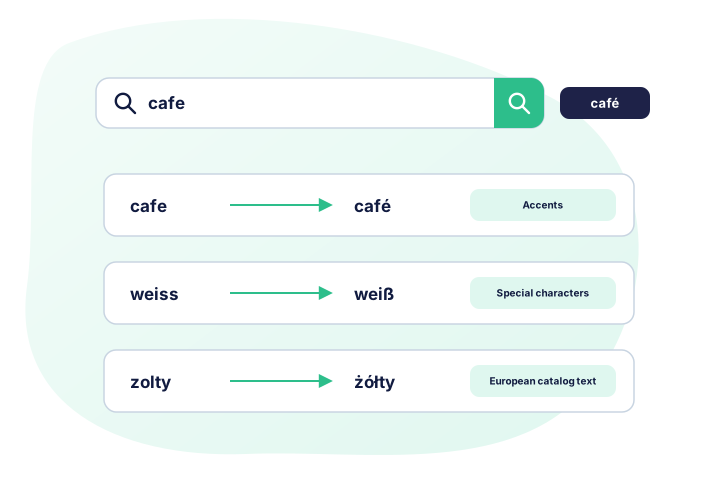
Kea Search Pro applies language-aware normalization before tokenization, helping equivalent text match even when accents or special characters differ.
- Match plain text with accented forms, such as “cafe” and “café”.
- Normalize accented and special characters across supported European languages.
- Apply language-aware processing for supported European languages.
- Add store-specific synonyms for the vocabulary customers use.