
WooCommerce search alternatives
Compare search options for WooCommerce
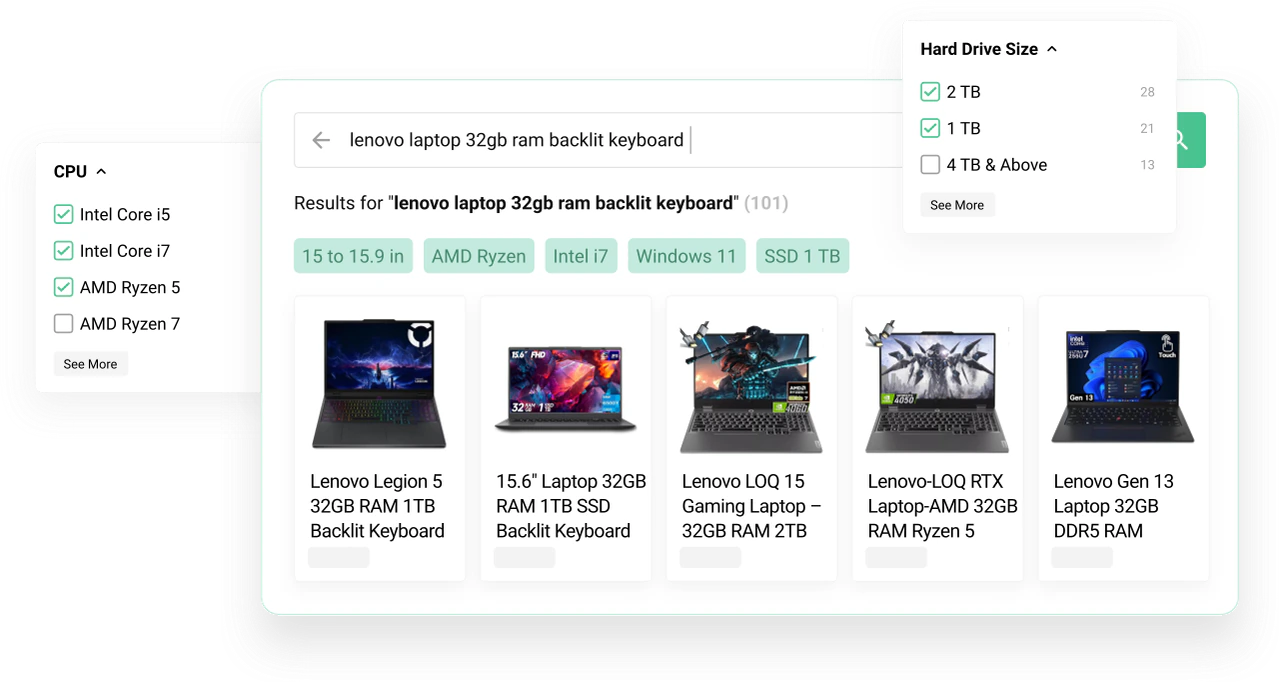
Three ways to run store search
Which search setup are you comparing?
Compare the included search tools, the work your team can do and what you need to run the search.
Your search approach
| Compare | Default WooCommerce search | Kea Labs Search Pro |
|---|---|---|
| Relevance and matching | Default WooCommerce search Basic matching Core WordPress keyword matching and result ordering. No merchant field-weight editor, synonym lists or typo-tolerant product matching. | Kea Labs Search Pro Configurable scoring BM25 scoring, merchant field weights, language processing, synonyms and typo tolerance in one engine. |
| Autocomplete and results | Default WooCommerce search Results page only A product search form and results template are included. Live product autocomplete requires another search tool. | Kea Labs Search Pro Included Product autocomplete and the full results page share the same index and relevance settings. |
| Product filtering | Default WooCommerce search Core filters included WooCommerce Product Filters can narrow Product Collections by price, attributes, rating and availability. The theme and blocks determine placement and controls. | Kea Labs Search Pro Integrated facets Multi-select category, brand and attribute filters, numeric ranges, color swatches and Boolean controls refine the ranked products. |
| Visual merchandising and Preview | Default WooCommerce search Not included No visual editor for query-specific product pins, boosts or hidden results, and no search-rule draft comparison. | Kea Labs Search Pro Visual rules and Preview Pin, boost, lower or hide products; set query and category priorities. Compare inactive drafts with the natural ranking in Preview. |
| Search analytics and product clicks | Default WooCommerce search Not included No built-in workflow linking search queries to clicked products, missed opportunities and ranking changes. | Kea Labs Search Pro Query and product-click analysis Investigate Top Queries, Zero Results, Lost Opportunities and Popular Products. Query Details connects searches, product clicks, returned products and active rules. |
| Storefront customization | Default WooCommerce search Theme and block controls Appearance follows the theme, Product Collection and WordPress block settings; it is not a dedicated search-design toolkit. | Kea Labs Search Pro Included Configure storefront layouts, product cards and search presentation; use custom templates for further adaptation. |
| Search hosting and catalog updates | Default WooCommerce search Inside WooCommerce Core search uses the store’s own product data and hosting. No external search service is required. | Kea Labs Search Pro Inside WooCommerce The search engine and product index run in your store. Catalog changes update search automatically in real time, without an external catalog feed or Elasticsearch. |
| Purchase and ongoing costs | Default WooCommerce search Included with the platform No additional search-plugin purchase. Extensions or custom development add their own costs. | Kea Labs Search Pro One-time purchase No monthly search subscription. First-year Care is included; renewal for updates, new features and support is optional. License and Care conditions. |
| Compare | Other WordPress plugins | Kea Labs Search Pro |
|---|---|---|
| Relevance and matching | Other WordPress plugins Varies by plugin and edition Advanced Woo Search and SearchWP offer field weights; FiboSearch Pro adds synonyms and fuzzy matching. Matching and merchant controls differ between products. | Kea Labs Search Pro Configurable scoring BM25 scoring, merchant field weights, language processing, synonyms and typo tolerance in one engine. |
| Autocomplete and results | Other WordPress plugins Included in search plugins FiboSearch, Advanced Woo Search and WooCommerce Product Search provide live product search. Filter specialists do not supply the same search experience on their own. | Kea Labs Search Pro Included Product autocomplete and the full results page share the same index and relevance settings. |
| Product filtering | Other WordPress plugins Bundled or separate WooCommerce Product Search includes live filters. Faceted filtering alongside FiboSearch uses the separate FiboFilters product; SearchWP can work with WooCommerce’s layered navigation. | Kea Labs Search Pro Integrated facets Multi-select category, brand and attribute filters, numeric ranges, color swatches and Boolean controls refine the ranked products. |
| Visual merchandising and Preview | Other WordPress plugins Partial controls and extensions WooCommerce Product Search provides product/category weights; SearchWP Pro adds result-promotion tools. FiboSearch and Advanced Woo Search document code-based ranking changes. These are different workflows from Kea’s visual rules and draft Preview. | Kea Labs Search Pro Visual rules and Preview Pin, boost, lower or hide products; set query and category priorities. Compare inactive drafts with the natural ranking in Preview. |
| Search analytics and product clicks | Other WordPress plugins Depth varies FiboSearch and WooCommerce Product Search include query reports; SearchWP Pro Metrics adds click analysis. Advanced Woo Search uses external Google Analytics reports. Compare the query-to-product investigation available in each package. | Kea Labs Search Pro Query and product-click analysis Investigate Top Queries, Zero Results, Lost Opportunities and Popular Products. Query Details connects searches, product clicks, returned products and active rules. |
| Storefront customization | Other WordPress plugins Included, with different controls Search plugins offer appearance settings, blocks, templates or styling hooks. The supported controls and theme integrations differ. | Kea Labs Search Pro Included Configure storefront layouts, product cards and search presentation; use custom templates for further adaptation. |
| Search hosting and catalog updates | Other WordPress plugins Local engines These local search plugins use the store’s hosting and maintain their own search data. Installation, update handling and maintenance depend on the selected products. | Kea Labs Search Pro Inside WooCommerce The search engine and product index run in your store. Catalog changes update search automatically in real time, without an external catalog feed or Elasticsearch. |
| Purchase and ongoing costs | Other WordPress plugins Free or paid licenses Free and paid editions, support renewals and separate filtering or analytics products have different terms. Compare the complete installed setup. | Kea Labs Search Pro One-time purchase No monthly search subscription. First-year Care is included; renewal for updates, new features and support is optional. License and Care conditions. |
| Compare | Hosted search services | Kea Labs Search Pro |
|---|---|---|
| Relevance and matching | Hosted search services Professional search Established services provide configurable relevance and query processing. Exact matching, typo handling and language capabilities depend on the service and configuration. | Kea Labs Search Pro Configurable scoring BM25 scoring, merchant field weights, language processing, synonyms and typo tolerance in one engine. |
| Autocomplete and results | Hosted search services Included or integrated Product suggestions and results interfaces are available. The connector, storefront layer and selected service determine how they fit the WooCommerce theme. | Kea Labs Search Pro Included Product autocomplete and the full results page share the same index and relevance settings. |
| Product filtering | Hosted search services Facets supported Mature hosted engines support product facets. The connector must send the required attributes, and the storefront must expose the controls. | Kea Labs Search Pro Integrated facets Multi-select category, brand and attribute filters, numeric ranges, color swatches and Boolean controls refine the ranked products. |
| Visual merchandising and Preview | Hosted search services Available by service and plan Services can provide product promotions, visual merchandising and preview tools. The editor, rule scope and publishing workflow depend on the provider and plan. | Kea Labs Search Pro Visual rules and Preview Pin, boost, lower or hide products; set query and category priorities. Compare inactive drafts with the natural ranking in Preview. |
| Search analytics and product clicks | Hosted search services Search and click analytics Hosted services can collect query and click data. Report depth, event integration, attribution and retention depend on the service and implementation. | Kea Labs Search Pro Query and product-click analysis Investigate Top Queries, Zero Results, Lost Opportunities and Popular Products. Query Details connects searches, product clicks, returned products and active rules. |
| Storefront customization | Hosted search services Widgets or custom frontend Use the provider’s search layer or build with its APIs and UI tools. Theme integration and developer work vary. | Kea Labs Search Pro Included Configure storefront layouts, product cards and search presentation; use custom templates for further adaptation. |
| Search hosting and catalog updates | Hosted search services External index and synchronization The search index is outside WooCommerce. Prices, stock and products reach it through a connector, feed or API; update behavior depends on that integration. | Kea Labs Search Pro Inside WooCommerce The search engine and product index run in your store. Catalog changes update search automatically in real time, without an external catalog feed or Elasticsearch. |
| Managed search and AI discovery | Hosted search services A hosted-service advantage The provider operates the search infrastructure. Selected services and plans add semantic discovery, recommendations, personalization or contractual service levels. | Kea Labs Search Pro Available in Kea Labs Cloud Managed infrastructure, semantic and image search, and recommendations are available in the separate Kea Labs Cloud service. Kea Labs Search Pro runs the search engine inside your store. |
| Purchase and ongoing costs | Hosted search services Service plans and usage limits Free, paid and usage-based offers vary by provider. Compare allowances and the paid plan required for your catalog size, traffic and feature needs. | Kea Labs Search Pro One-time purchase No monthly search subscription. First-year Care is included; renewal for updates, new features and support is optional. License and Care conditions. |
Sources and comparison basis
These are setup categories, not claims that every plugin or hosted service is identical. Named-product comparisons below identify the edition, included tools and supporting official sources.
Cost calculator
Compare the cost over time
Adjust the monthly fee and time period to compare.
This is a simple price comparison, not a total-cost guarantee. Implementation, customization, hosting, usage limits, and taxes can differ. The first year of Care is included; later annual renewals are optional.
From a query to an improvement
Go beyond a list of popular searches
Kea Labs Search Pro connects search activity with the products shoppers saw and clicked. Open a query, understand the result, then use relevance settings or visual merchandising to improve it. Review the change in Preview before publishing.
- Investigate Top Queries, Zero Results, Lost Opportunities and Popular Products.
- Inspect product clicks, returned products and active merchandising rules in Query Details.
- Set product or category priorities and compare natural and adjusted results in Preview.

Choosing search for a WooCommerce store
How does Kea Labs Search Pro go beyond an autocomplete plugin?
Kea Labs Search Pro combines field-weighted BM25 relevance and language processing with autocomplete, a full results page and faceted filters. Your team can set visual product and category priorities, preview natural and adjusted results, and investigate Top Queries, Zero Results, Lost Opportunities and popular products. Query Details connects searches and product clicks with the products shown and active merchandising rules. Storefront layouts, product-card settings and custom templates are part of the same plugin. These tools run together inside your WordPress store, with a one-time purchase and no monthly search subscription.
Can a filtering plugin replace a search plugin?
A filtering plugin narrows product lists by attributes, price or stock. It does not automatically supply product autocomplete, a configurable relevance engine, visual merchandising or query analytics. Kea Labs Search Pro includes search-aware facets alongside those tools; a separate filtering product must be compared together with the search engine it uses.
Does Kea Labs Search Pro need hosted search or Elasticsearch?
No. Its search engine and product index run inside your WordPress and WooCommerce store, with automatic real-time product updates. No Elasticsearch or required external search service is needed. Hosted services keep a separate search index and receive catalog changes through their WooCommerce connection.
What are the three approaches to WooCommerce search?
The built-in approach uses WooCommerce keyword search and catalog blocks. Other WordPress plugins add product search, content search or filtering, with different tools and editions. Hosted services run the search engine externally and connect it to the store. Kea Labs Search Pro combines professional product search, autocomplete, filters, merchandising, customization and analytics in one plugin running inside WooCommerce, without a monthly search subscription.
Does a one-time purchase include updates and support?
The first year of Care is included. Care covers updates, new features and support; renewal after that year is optional. You can continue using the purchased plugin without renewing Care. See the license and Care conditions for the full terms.
How can I evaluate Kea Labs Search Pro on my store?
Use the 14-day trial with your catalog, theme and customer queries. Start 14-day trial. Include product matching, filters and a merchant correction in the evaluation.