
Kea Labs Search Pro for WooCommerce
A complete WooCommerce search toolkit in one plugin
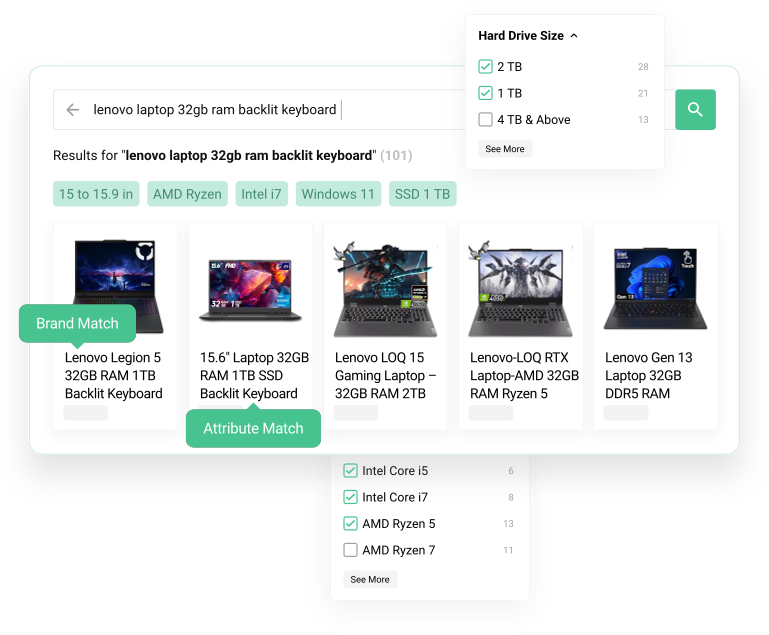
Eight connected capabilities
Find the part of search you want to improve
Shopper experience
Merchant and delivery tools
Inside Kea Labs Search Pro
See the features in the search administration
These controls connect your WooCommerce products, storefront experience and day-to-day search decisions.
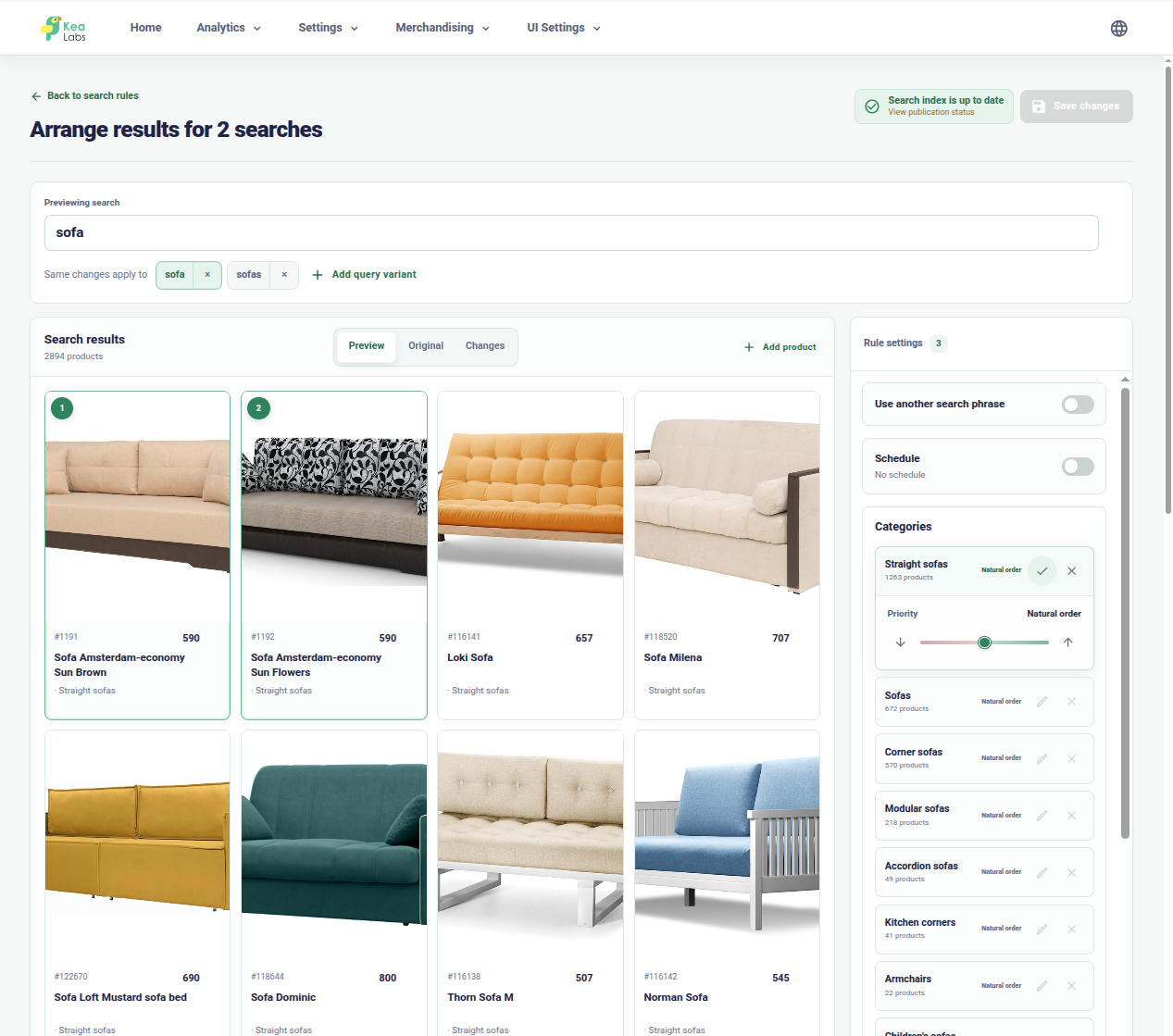
Merchandise important searches visually
Arrange products and category priorities, then compare the adjusted results before publishing.

Configure every storefront filter
Choose filter types, ordering, value counts, and visibility from one catalog-driven list.
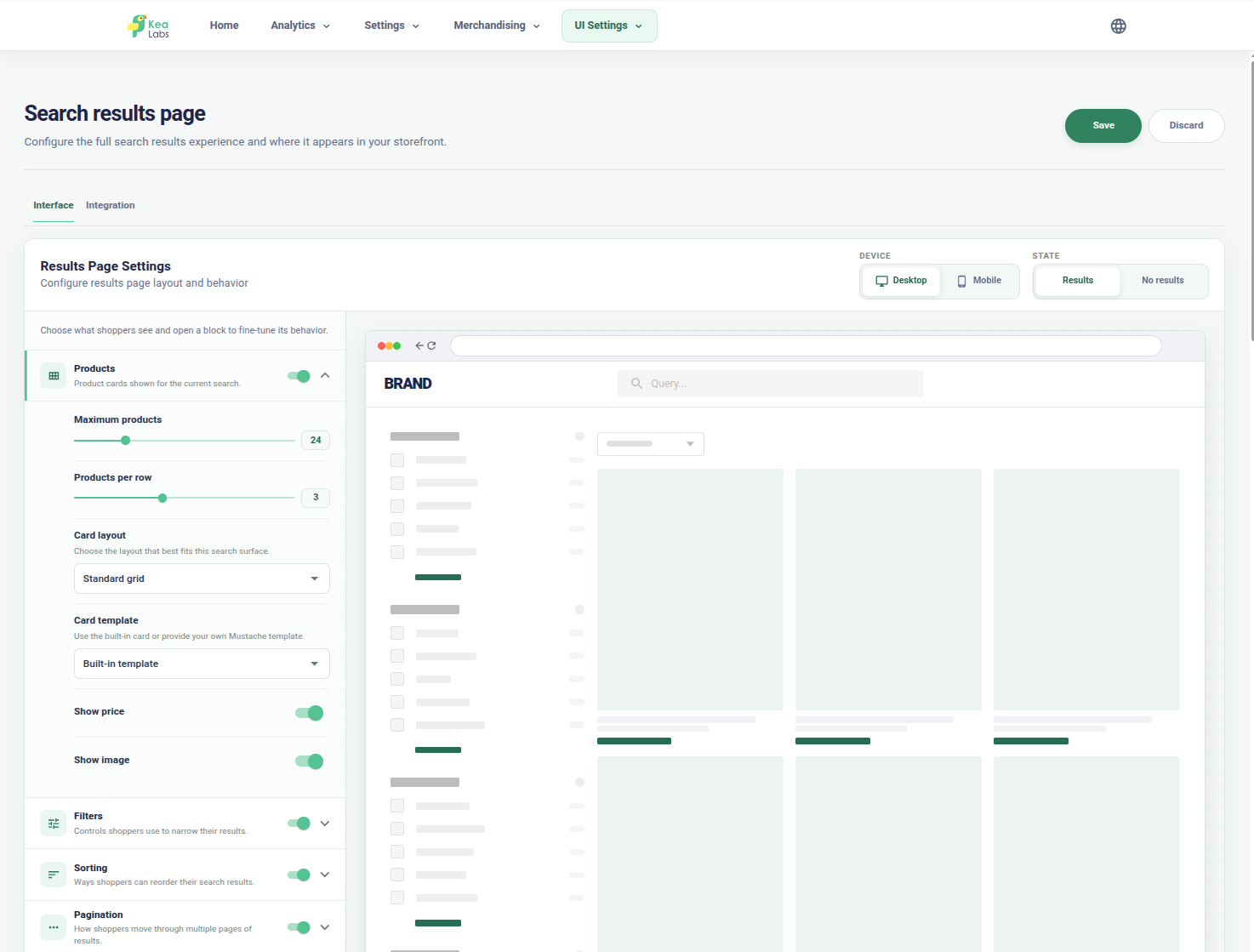
Adapt the search results page
Configure layouts, filters, grid density, responsive modes, and product-card behavior with a visual preview.
Search experience
Help shoppers find and narrow products in one flow
Kea Labs Search Pro covers the visible search journey from the first keystroke to a useful product result. Search suggestions, result pages, and product cards work as one storefront experience.
- Choose a widget, a results page, or both.
- Keep the same ranking and filters throughout the search journey.
- Review the complete experience on desktop and mobile.

Search relevance
Find products through the words shoppers use
A custom SQL-backed search engine scores products against the query and lets the store control which product fields matter most.
- BM25 relevance scoring and weighted product fields.
- Synonyms, typo tolerance, fuzzy matching, and text analysis.
- Searchable product details and references where catalog data supports them.

Filters and navigation
Help shoppers narrow large catalogs without losing context
Faceted navigation turns product data into practical ways to refine search results and category pages.
- Lists, numeric ranges, color swatches, and Boolean toggles.
- Controls for labels, visibility, ordering, and value mapping.
- Connected query, product counts, and multiple selections.

Search merchandising
Use search to support campaigns and product priorities
Relevance answers the shopper's query. Merchandising adds the store's priorities when a campaign, category, brand, stock position, or product strategy needs more control.
- Exact-query rules plus product and category priorities.
- Pin, boost, bury, and hide actions.
- Compare natural and adjusted results before activation.

Interface customization
Fit search to the storefront, not the other way around
Kea Labs Search Pro gives stores, developers, and agencies a controlled way to adapt search layouts, result cards, styling, and theme integration.
- Layout presets and supported product-card controls.
- Documented CSS tokens, hooks, and HTML templates.
- Preview for storefront review before publication.

Search analytics
See demand, missed searches, and the products shoppers choose
Search analytics show what shoppers ask for and where the store can improve product data, synonyms, filters, merchandising or product cards.
- Top Queries and Popular Products reveal search demand.
- Zero Results and Lost Opportunities expose issues to investigate.
- Move from a query to a relevant catalog, ranking, or merchandising change.

Kea Labs Search Pro for WooCommerce
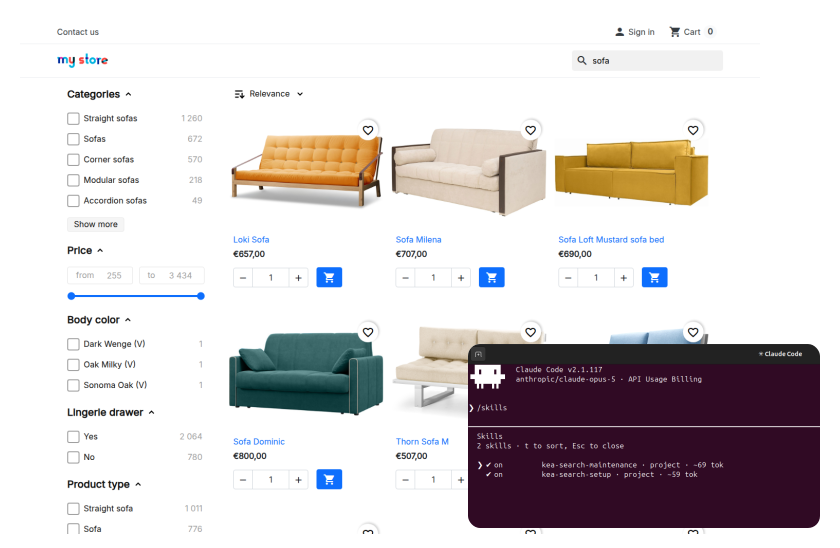
Set up search with your own AI
Let your own AI prepare catalog-specific settings and storefront changes for your team to review.
- Setup and maintenance skills for supported workflows.
- Catalog-aware search, merchandising, and interface preparation.
- Human review and authorization before publication.
Setup and launch
Install, configure, preview, then go live
Prepare Kea Labs Search Pro in WordPress and review the storefront before enabling public search.
- 01 Install Kea Labs Search Pro Upload and activate the WordPress plugin, then open Kea Search in the store administration.
- 02 Configure your search Choose searchable fields, relevance, filters, merchandising and storefront layouts.
- 03 Build and preview Build or rebuild the index, check product updates and diagnostics, then review search in Preview.
- 04 Enable product search Publish when the storefront is ready and use search analytics to guide later improvements.

Kea Labs Cloud
Choose Cloud when your store needs more
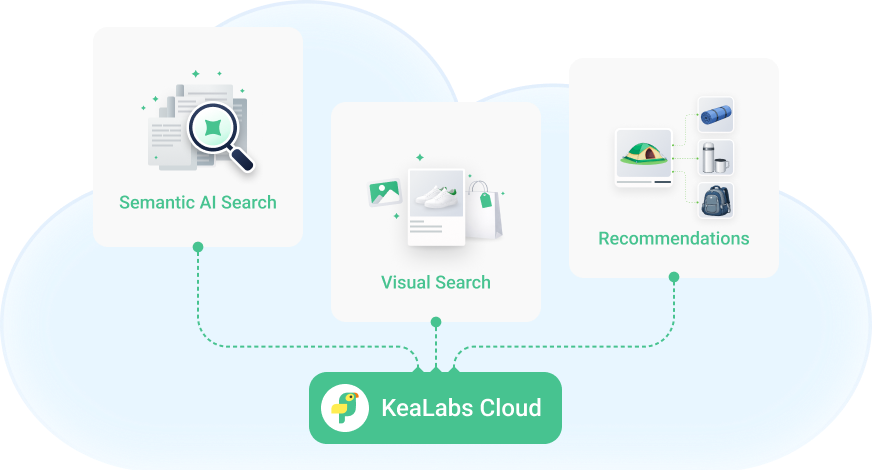
Kea Labs Cloud is a separate managed service for semantic search, image search, recommendations and provider-operated search infrastructure.
When migrating from the plugin to Kea Labs Cloud, the plugin purchase amount is credited toward Cloud.
WooCommerce feature questions
Are search, filters, merchandising, and analytics separate plugins?
No. These capabilities belong to the native Kea Labs Search Pro plugin and use its connected catalog and search workflow.
Does the WooCommerce edition have the same features as PrestaShop?
Yes. The PrestaShop module and WordPress plugin provide the same core functionality and operating approach, with platform-specific integration.
How should I evaluate these features for my store?
Compare important customer queries, useful filters, and your product priorities with your current search. Review the desktop and mobile journey, then use the 14-day trial with your own catalog and theme.